
Playing Audio Messages
Edited
You just received an audio message; here is how to listen to it.
On Mobile (iOS & Android)
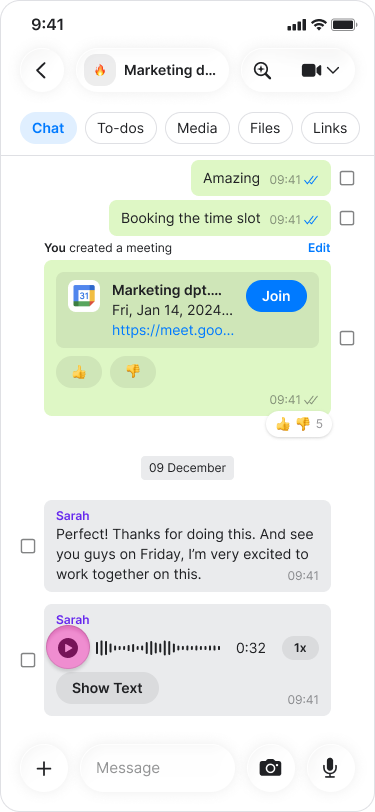
Tap the “Play” icon on the left side of the message.
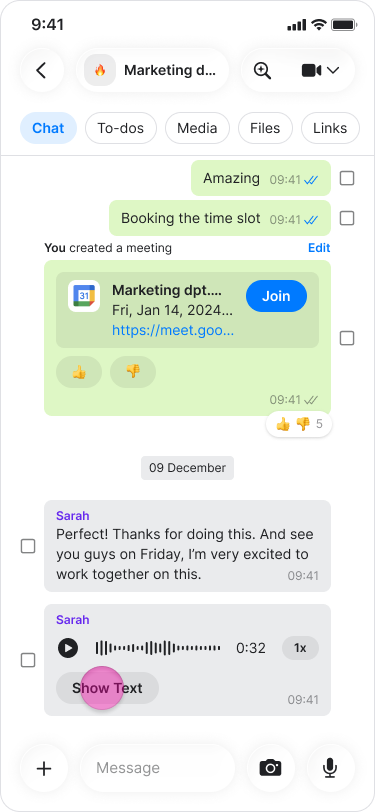
Tap “Show text” to see the transcript of a voice message
Note: Audio messages will continue to play even if you exit the chat as long as you stay in the app.
On Desktop (Windows, macOS, & Web App)
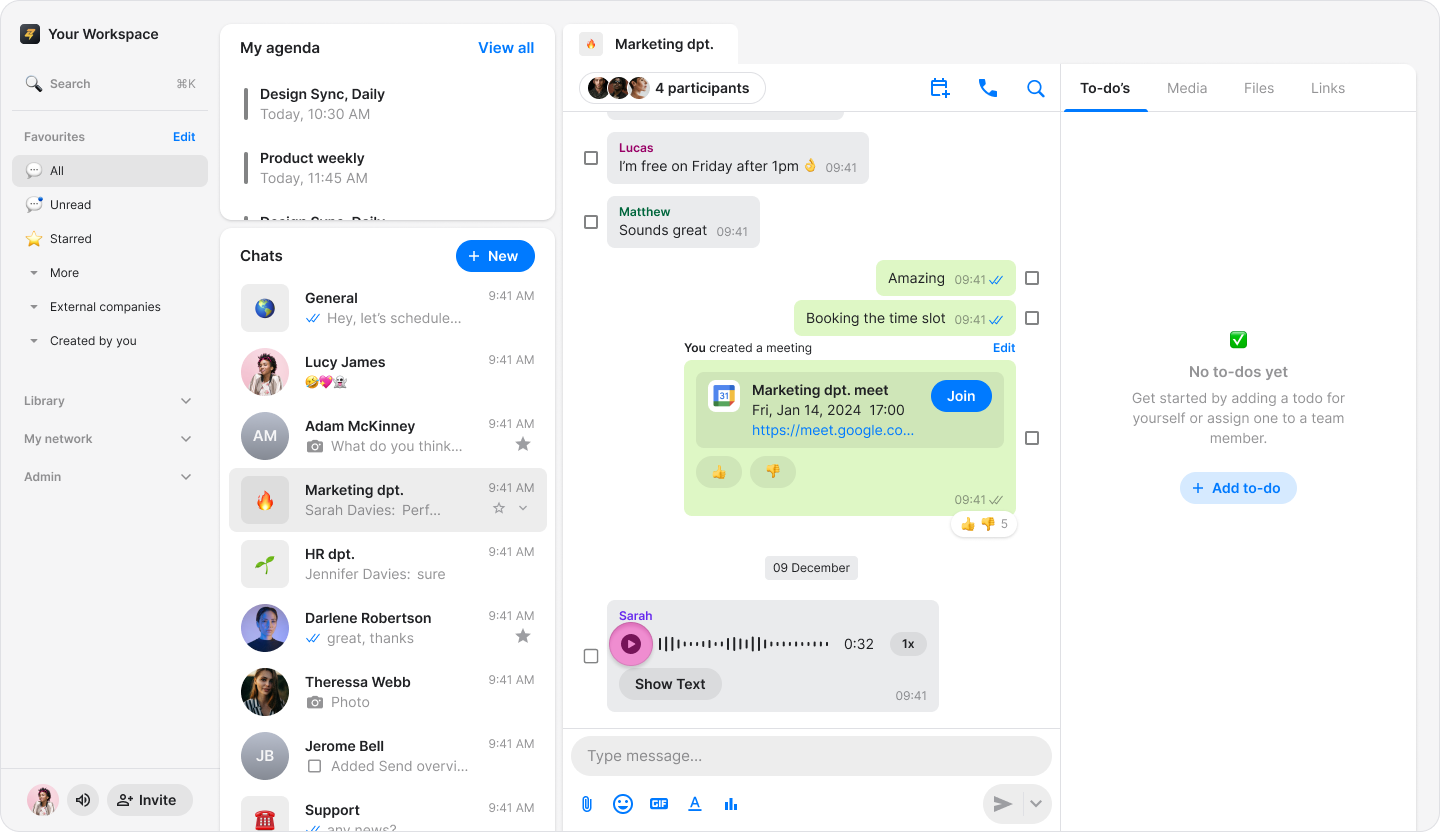
Click the "Play" icon on the left side of the message.
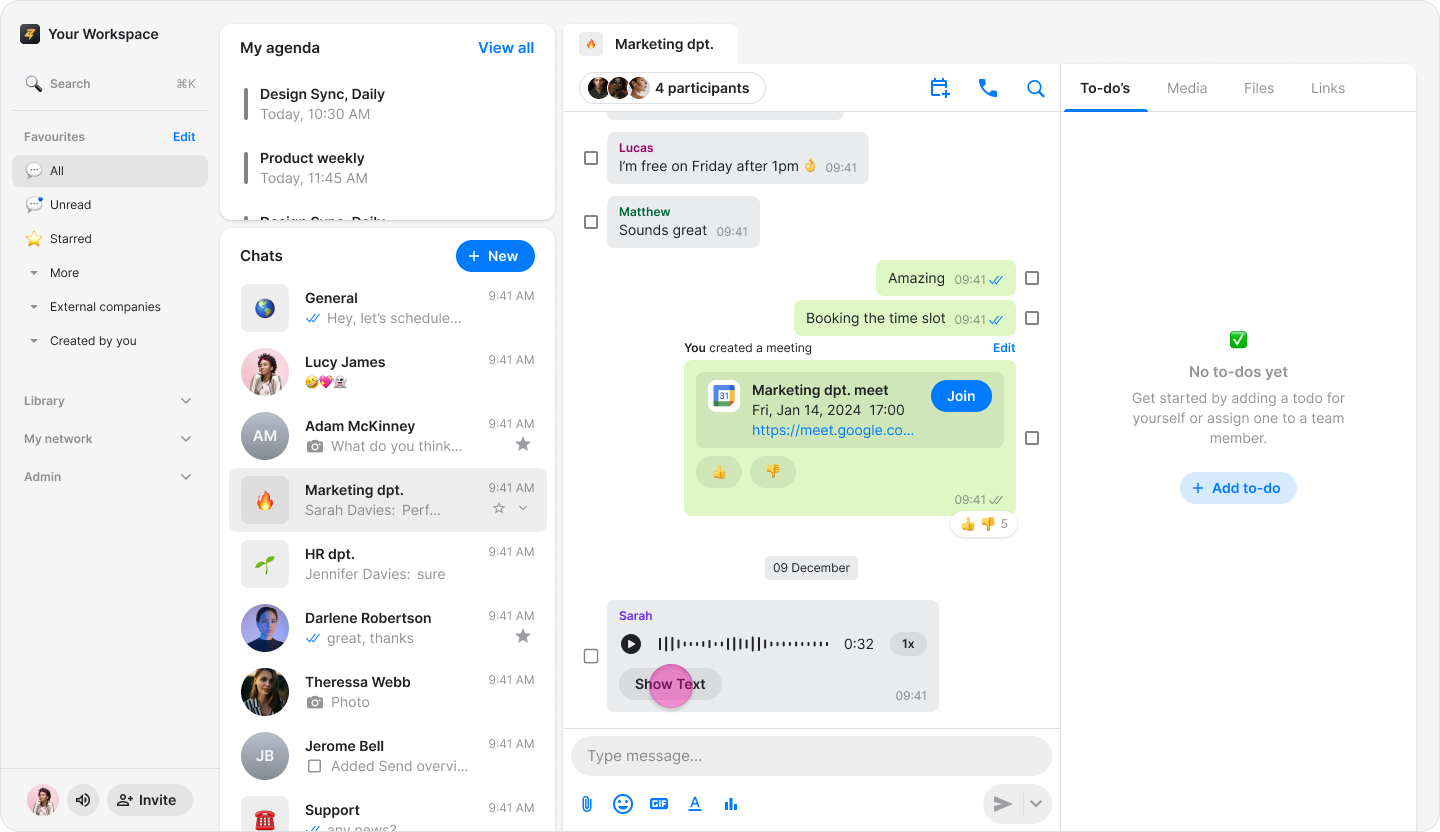
Click "Show text" to see the transcript of a voice message.
Note: Audio messages will continue to play even if you exit the chat as long as you stay in the app.