
Mentioning a Person
Mention specific team members in a chat to ensure they notice your messages and to associate information with the correct person.
On Mobile (iOS & Android)
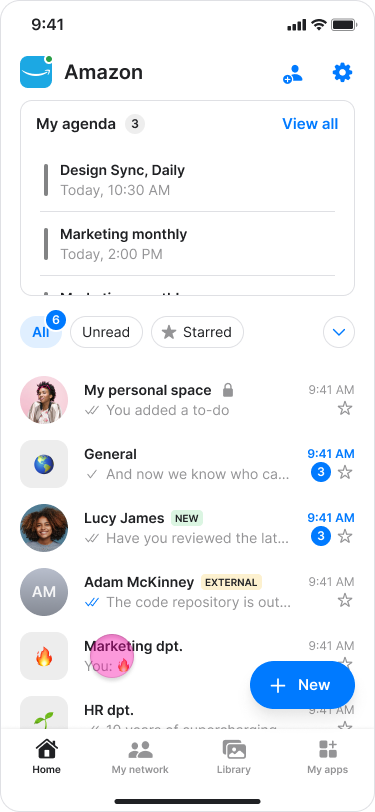
Open the desired chat.
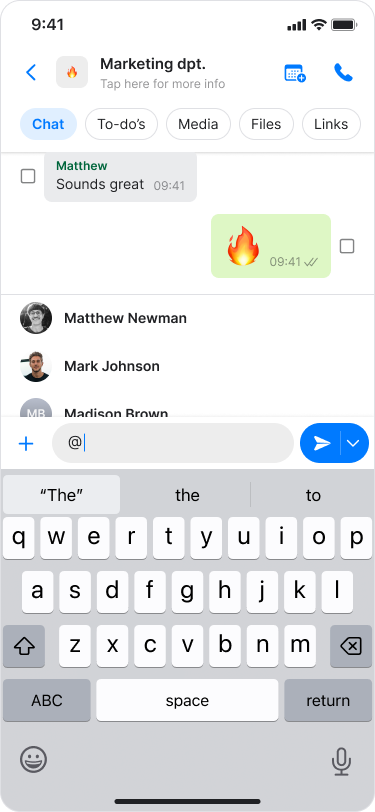
Type “@” in the message field.
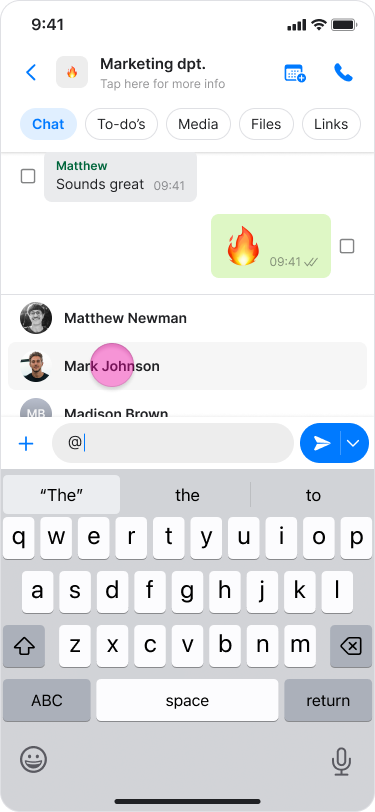
Select the person’s name from the list or start typing their name to narrow the results.
Note:
You can mention multiple people in the same message by repeating these steps.
Member names may appear differently for other group members depending on how the contact is saved in their phone contacts.
On Desktop (Windows, macOS, & Web App)
Open the desired chat.
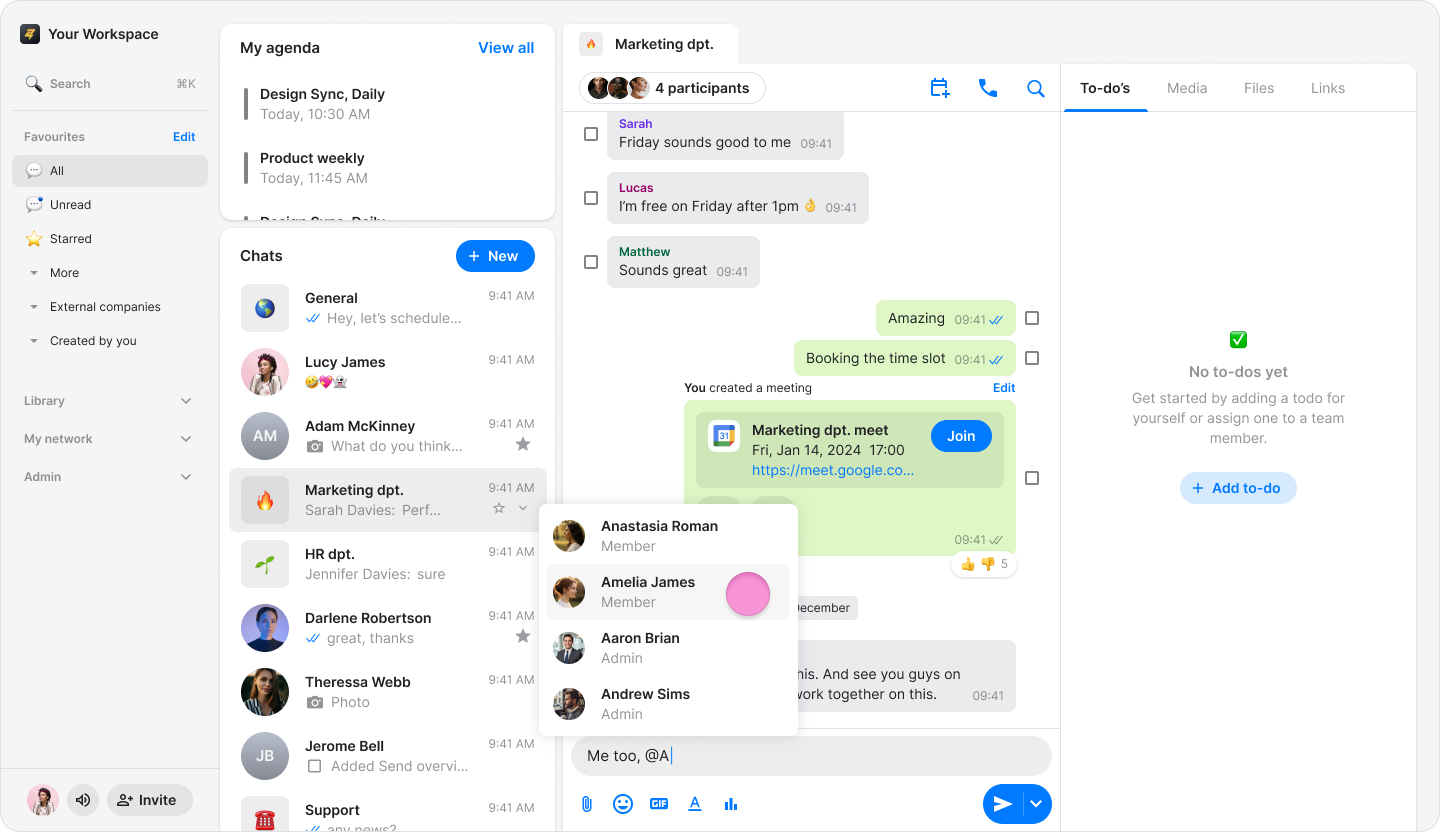
Type “@” in the message field.
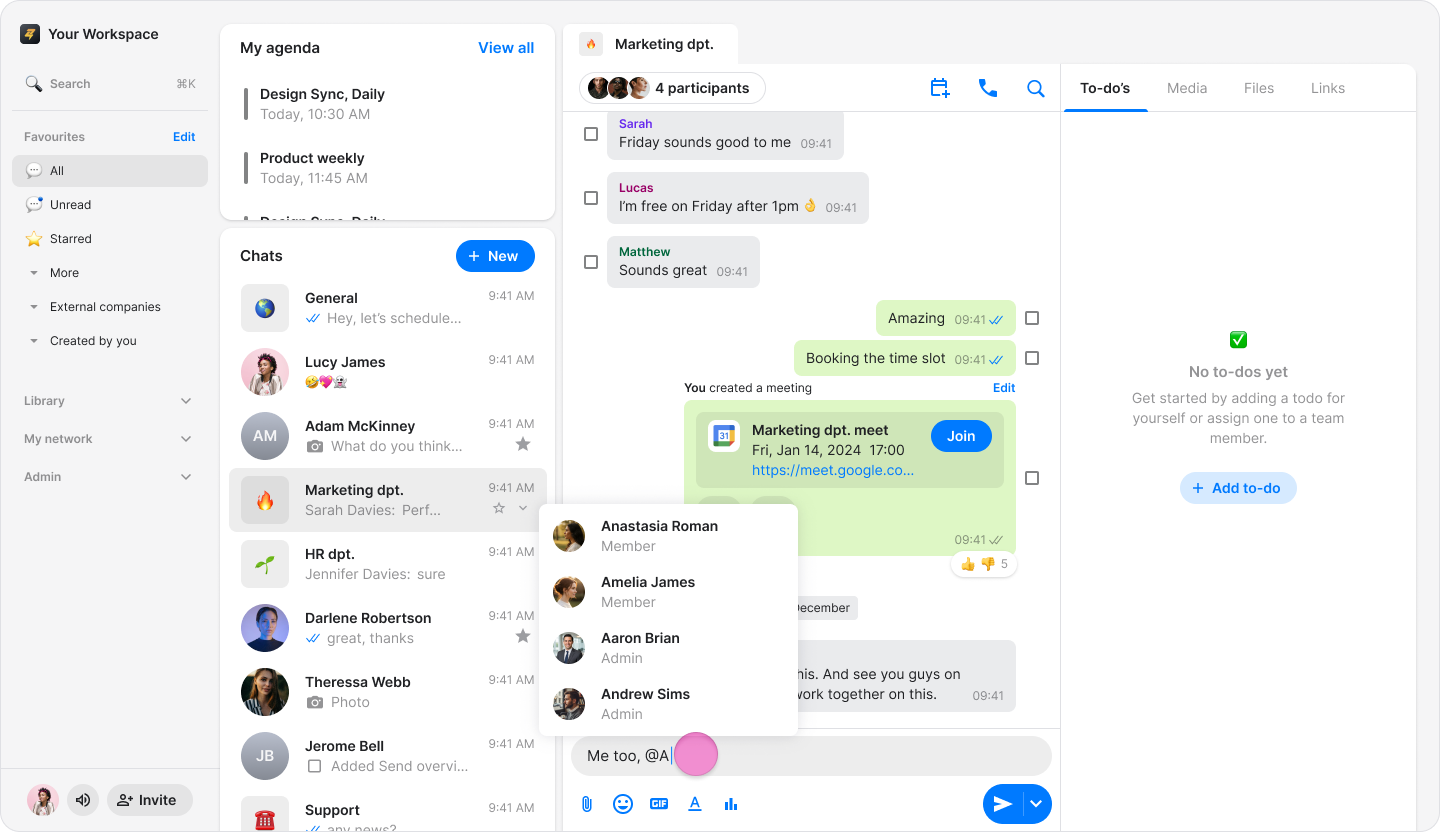
Select the member’s name from the list or start typing their name to narrow the results.
Note:
You can mention multiple people in the same message by repeating these steps.
Member names may appear differently for other group members depending on how the contact is saved in their phone contacts.