Send Audio Messages
Edited
Record voice messages to quickly communicate with your team members.
On Mobile (iOS & Android)
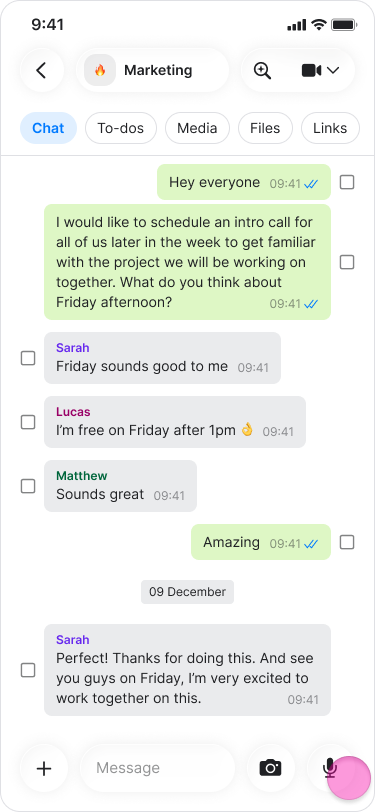
Open a chat.
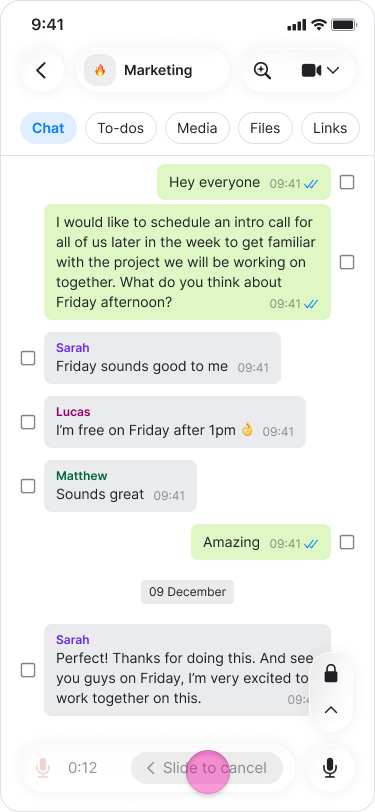
Tap and hold the "Microphone" icon in the bottom right corner of the message field.
Speak your message.
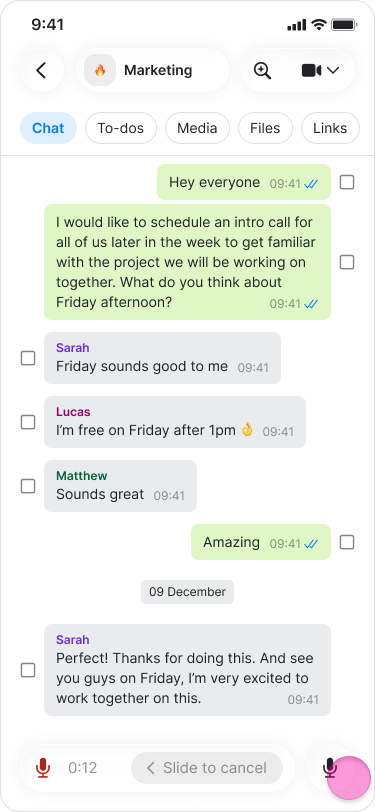
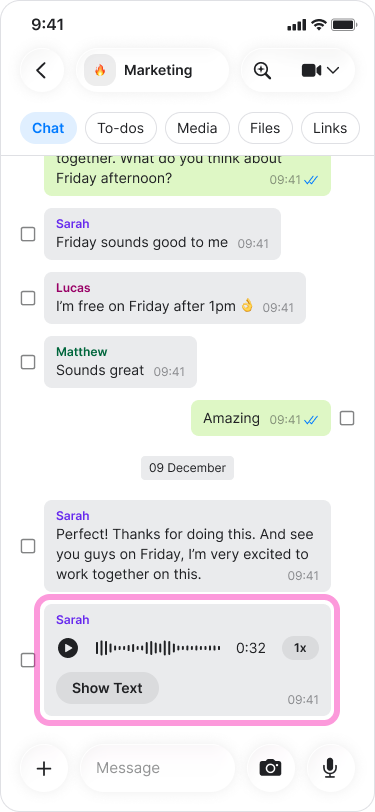
Release the "Microphone" icon to send the recording
Lock recording mode
This allows you to record longer messages hands-free.
Open a chat.
Long-press the "Microphone" icon.
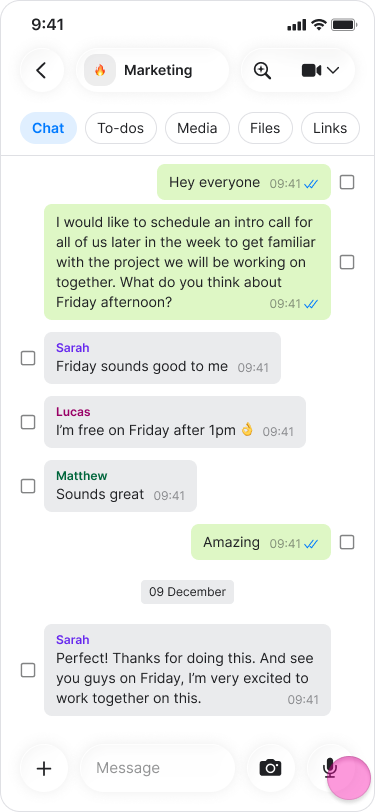
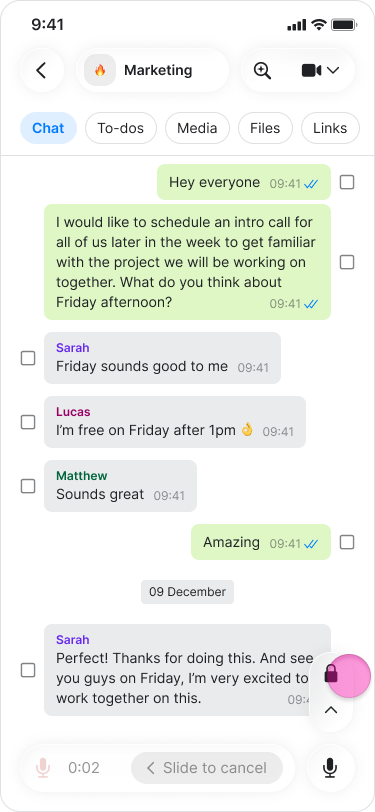
Swipe up to lock the recording.
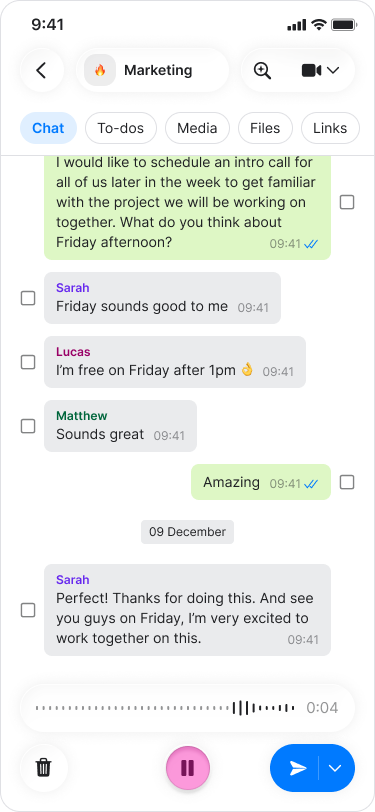
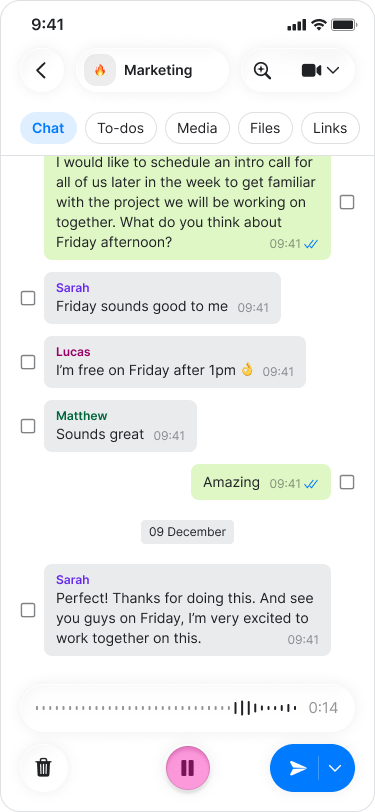
Tap on "Pause" to stop recording.
Tap the "Microphone" icon to continue recording.
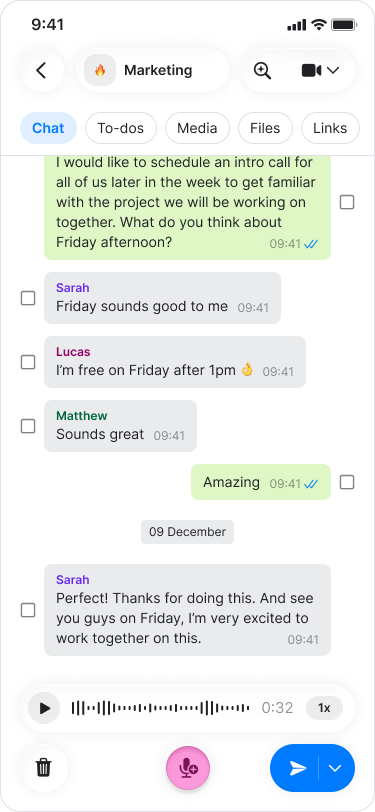
Tap the "Arrow" button to send your recording.
Note:
While recording, slide your finger to the left to discard the message.
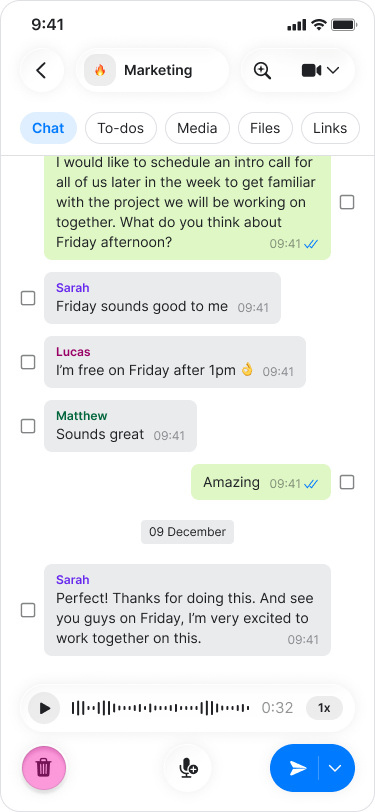
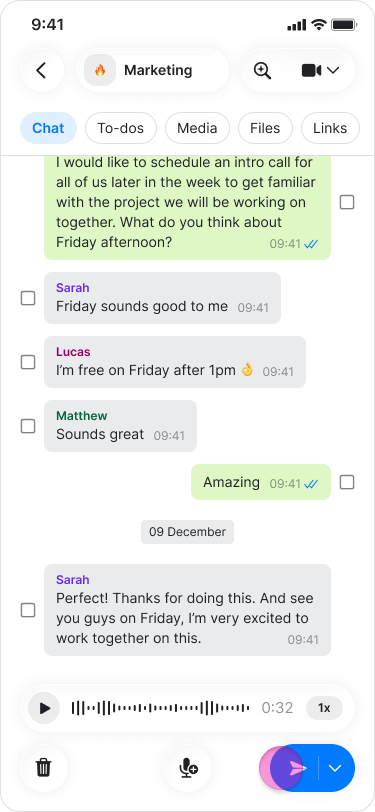
To preview a recording before sending, tap "Pause" and then tap "Play".
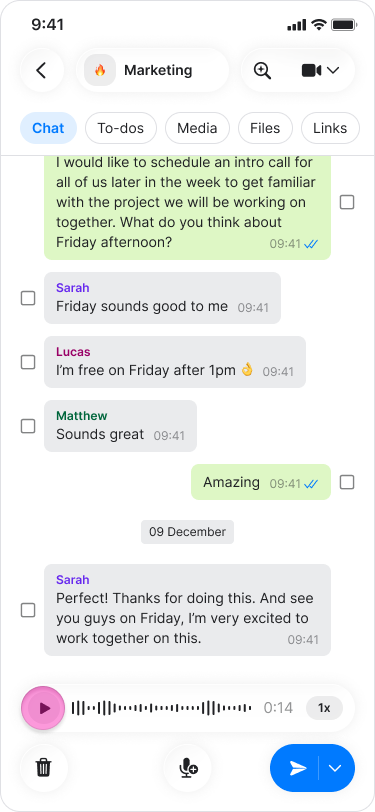
To delete a recording before sending, tap the "Trash can" icon.