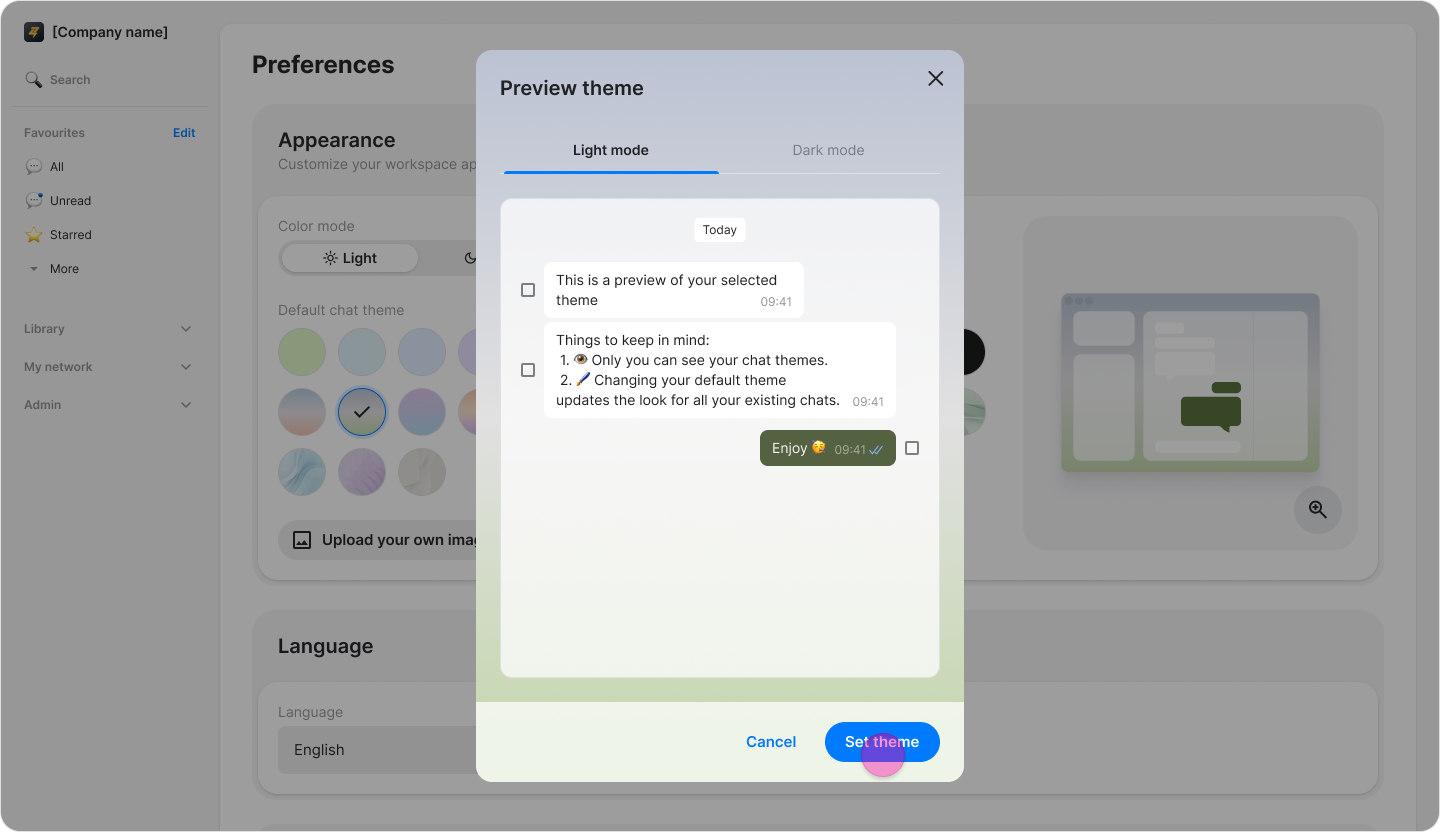
Personalize Your Chat Theme
On Mobile (iOS & Android)
Tap the "Settings" icon in the top-right corner of the "Home" tab.
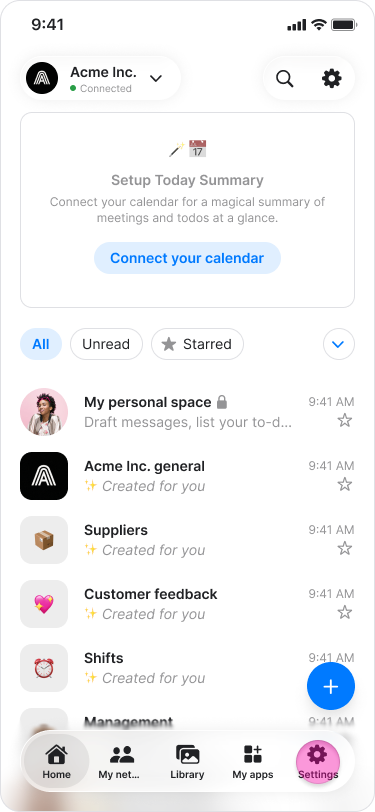
Tap "Chat theme".
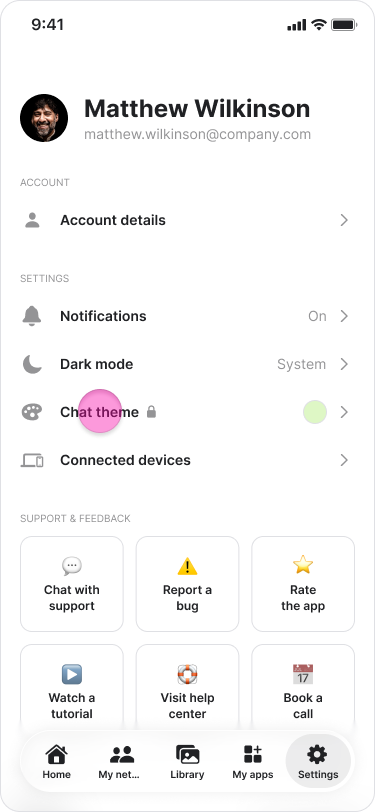
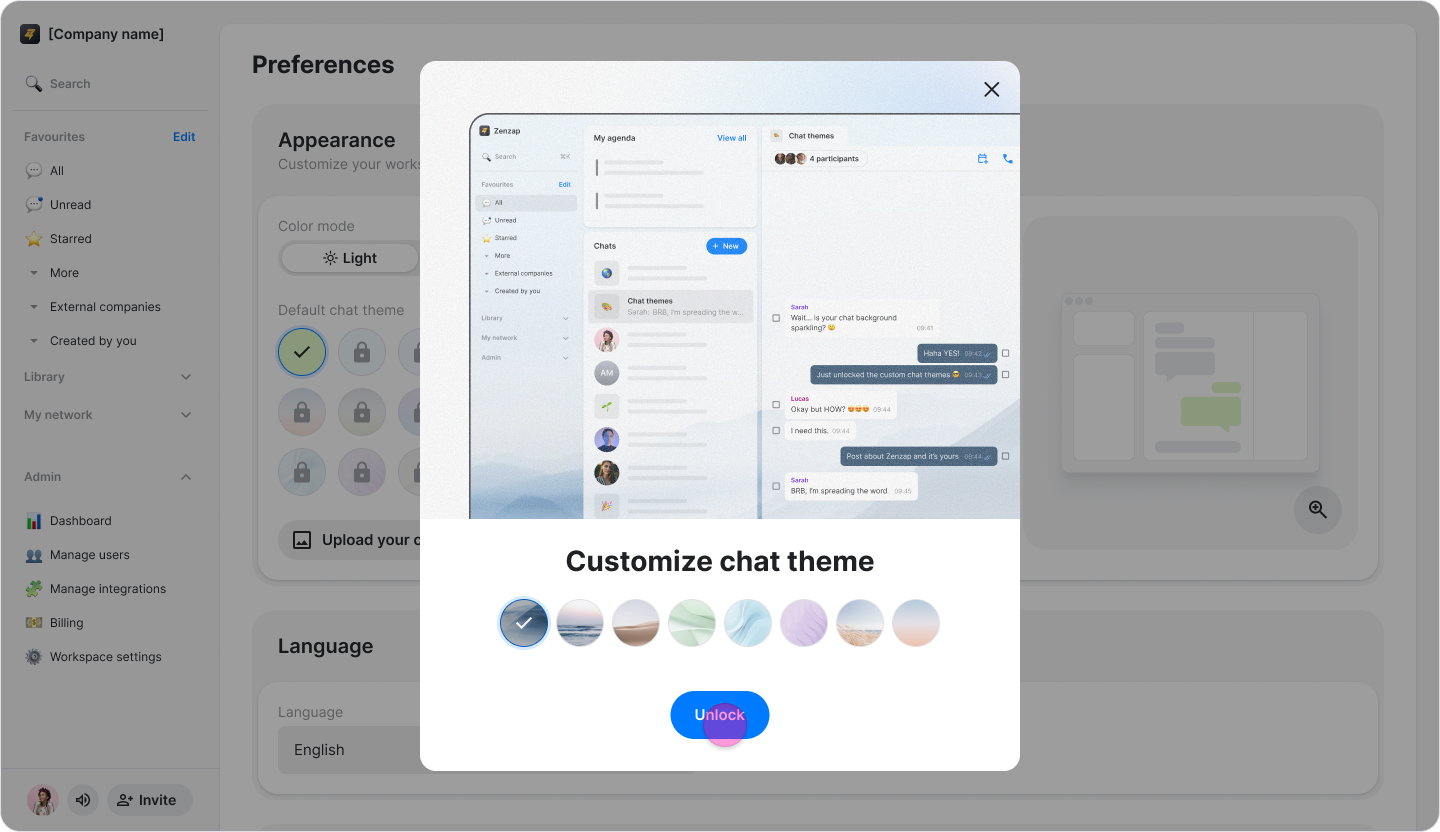
Tap the locked chat theme you want to use.
Tap "Unlock".
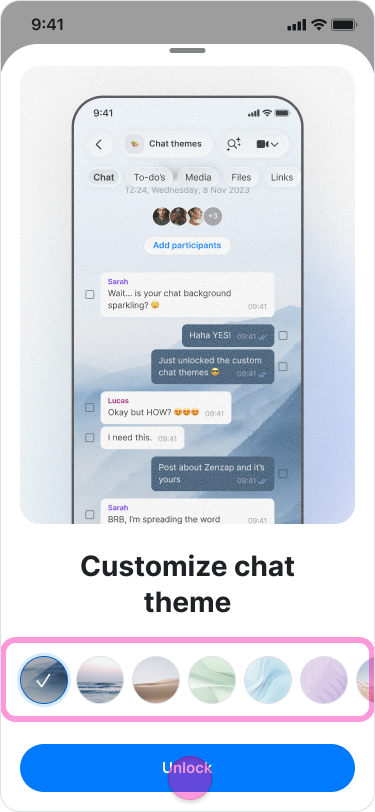
Follow the instructions in the pop-up.
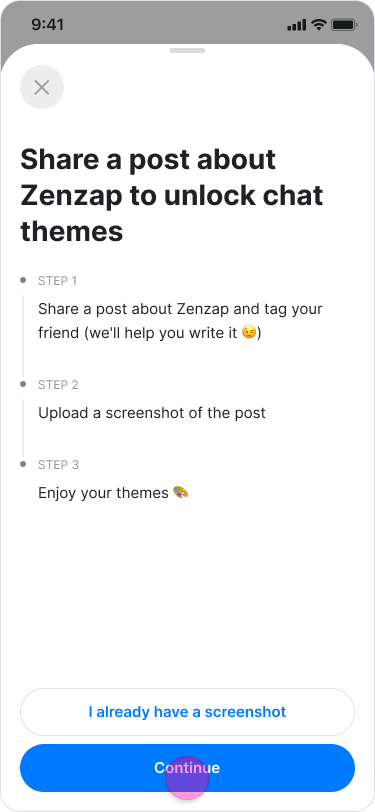
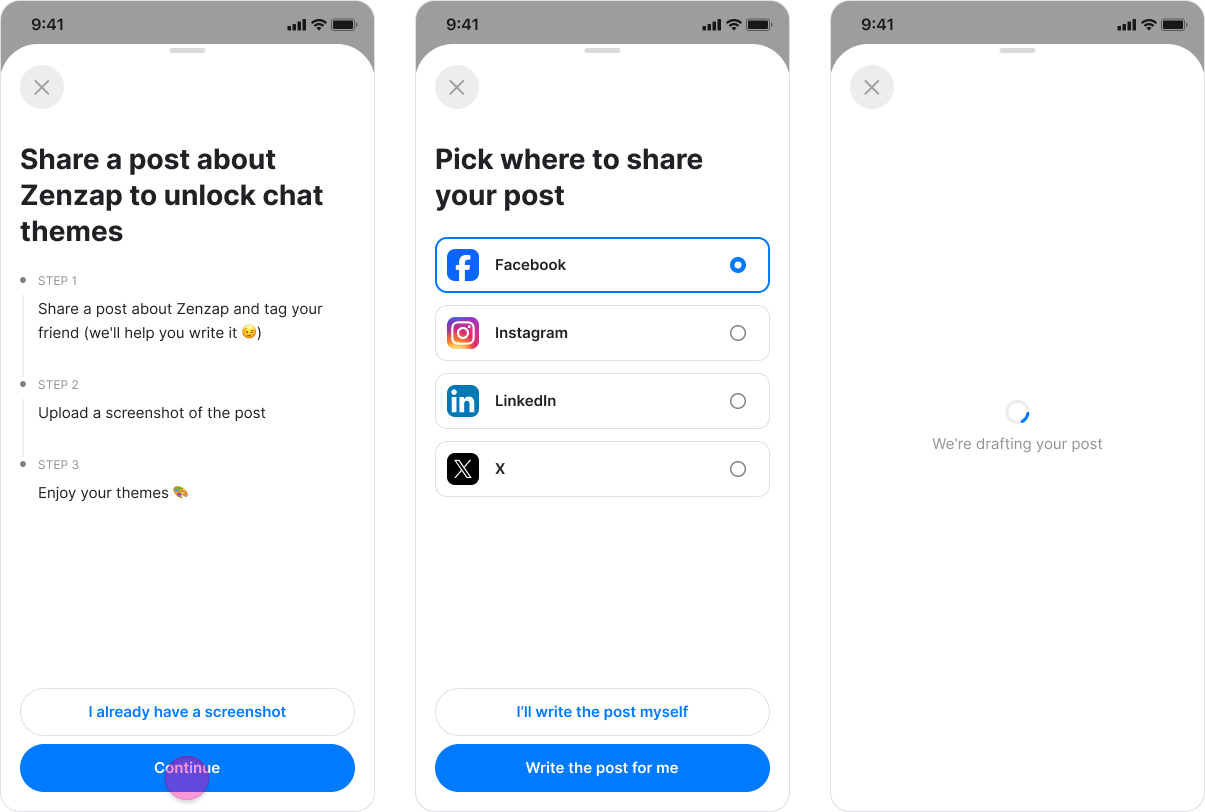
Share a post about Zenzap.
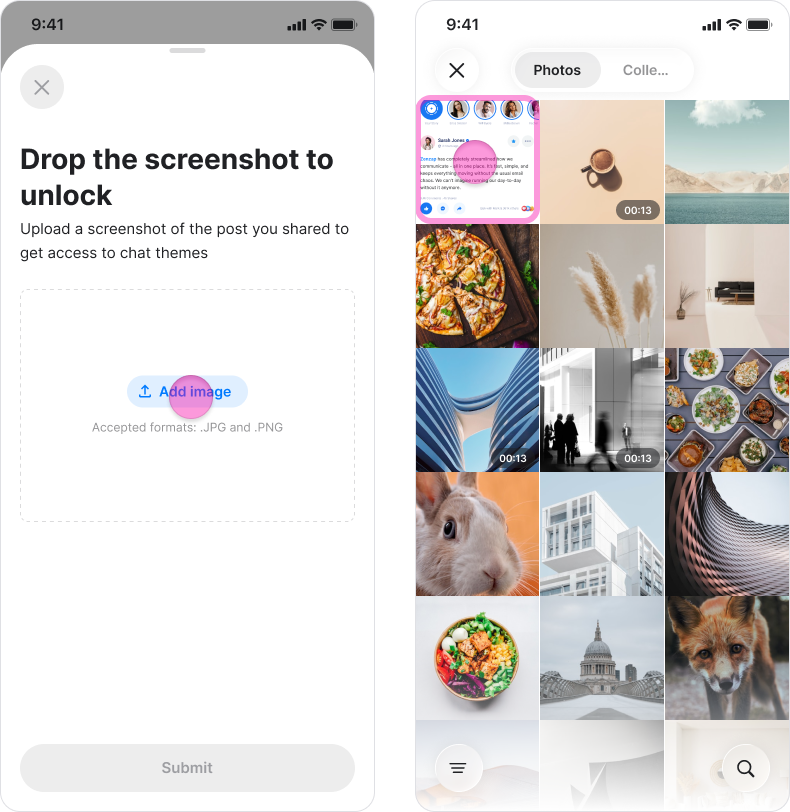
Upload a screenshot showing that you shared the post.
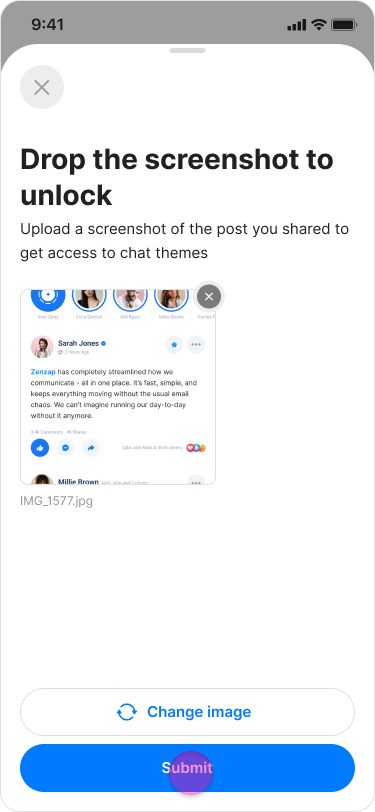
Tap "Submit" to make the themes available.
Choose a theme or upload a background image.
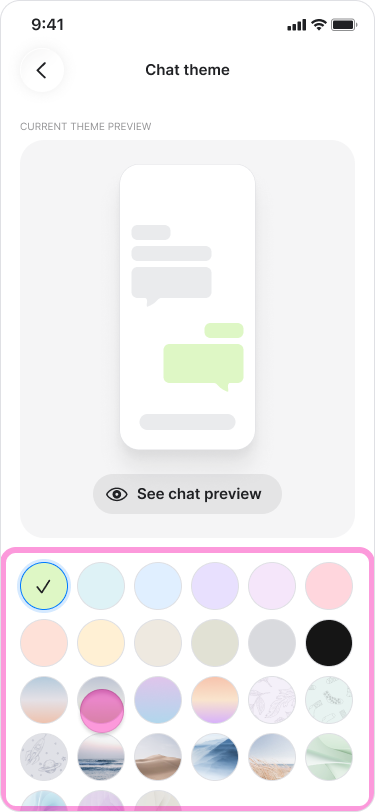
Adjust the background brightness or select a color for the message bubbles.
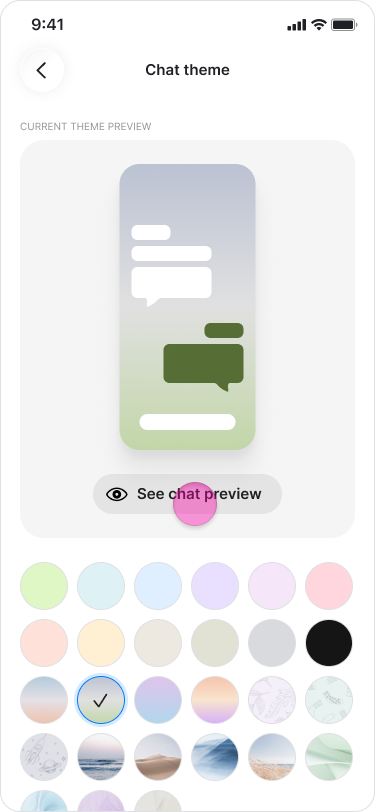
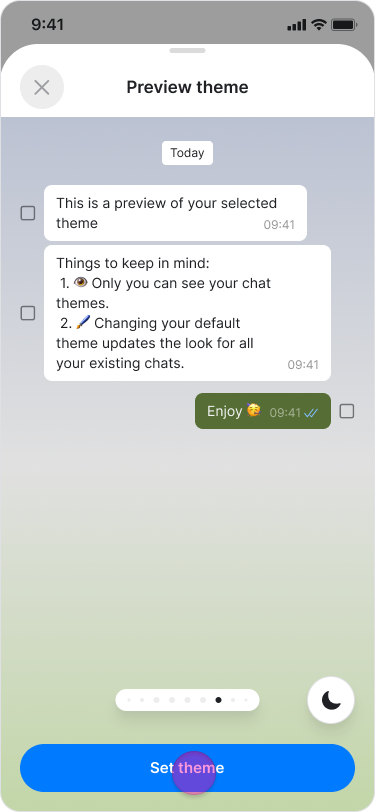
Tap "Set theme".
On Desktop (Windows, macOS, & Web App)
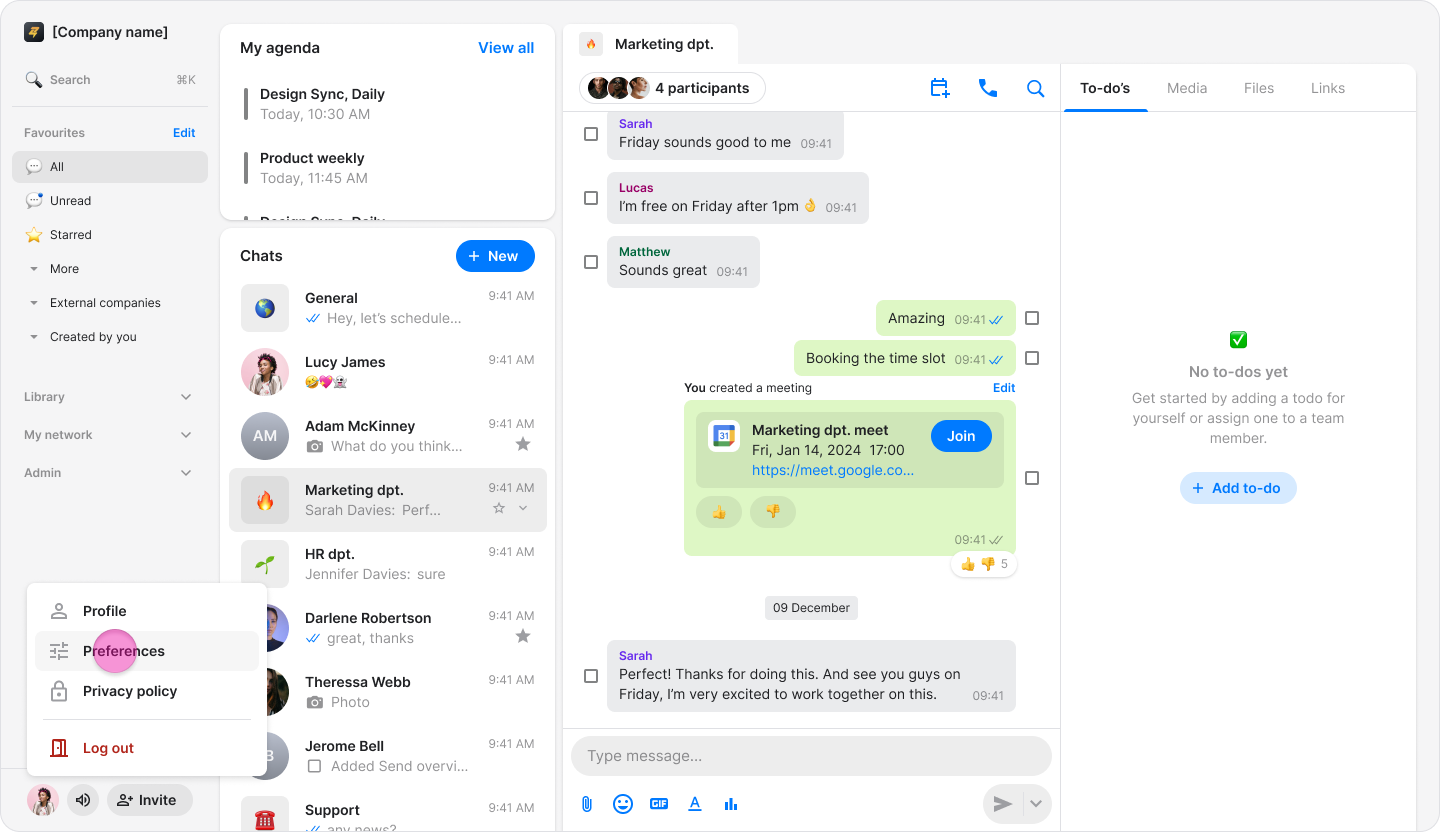
Click your profile picture.
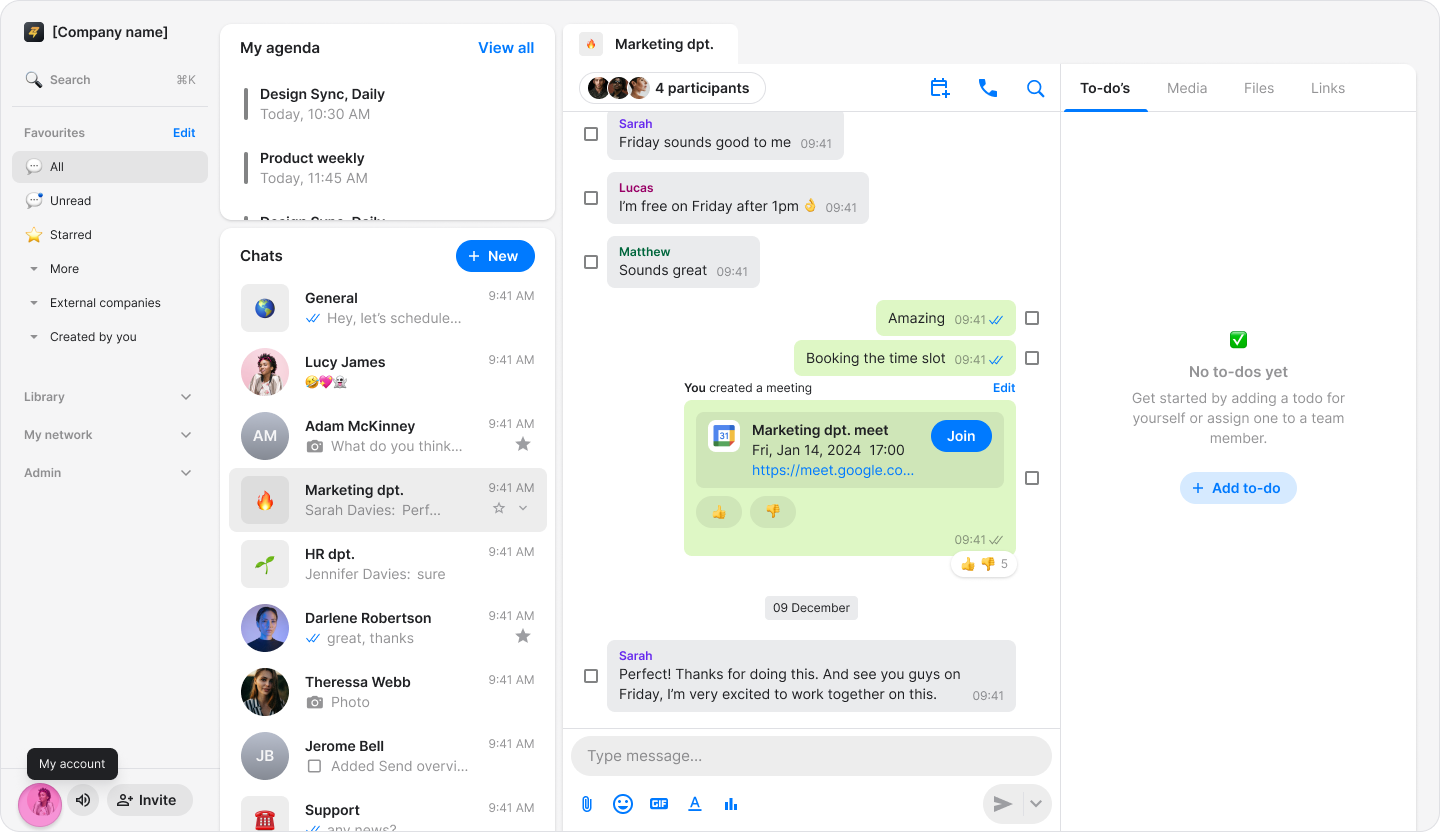
Click "Preferences".
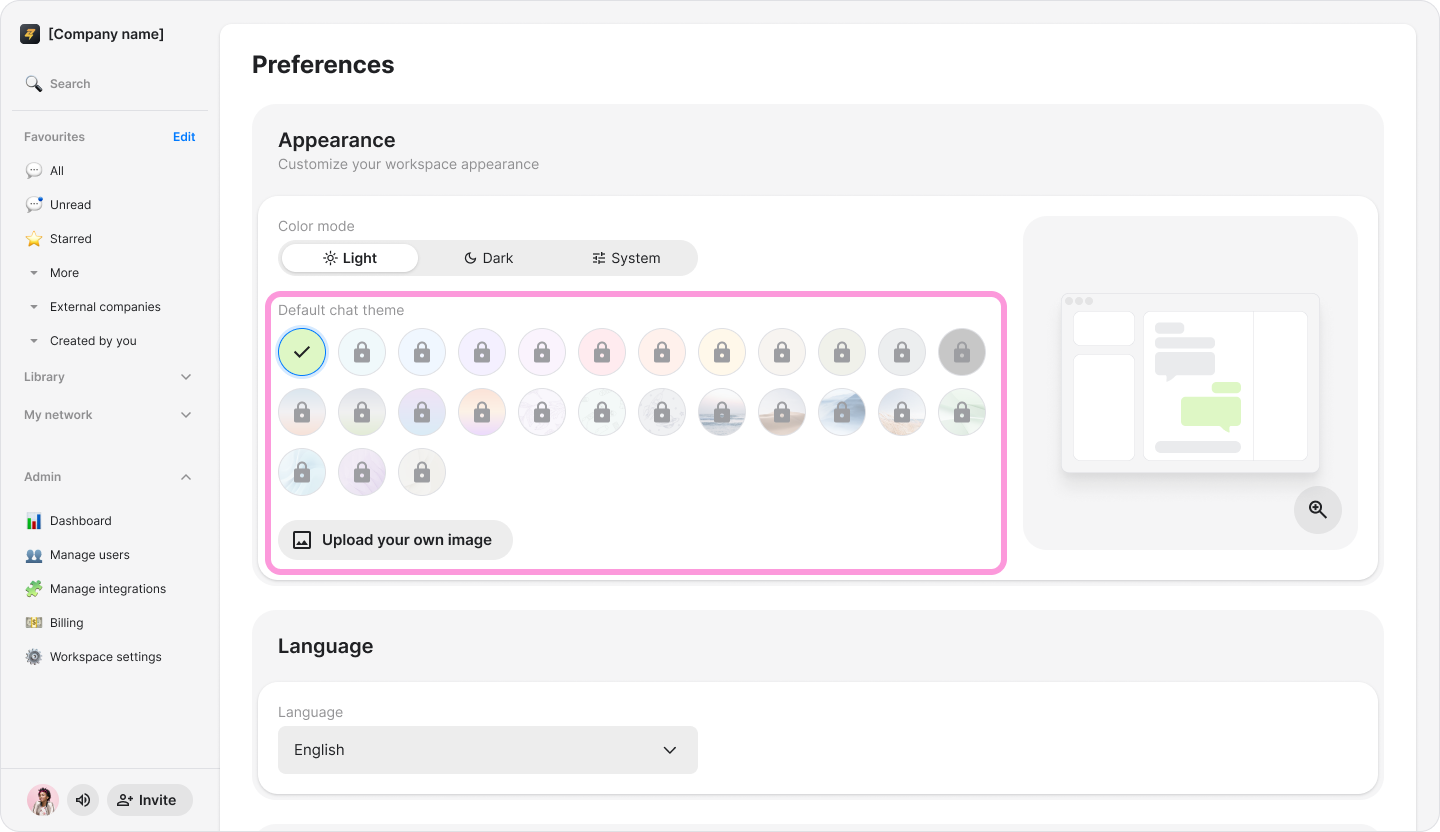
Under "Appearance", click the locked chat theme you want to use.
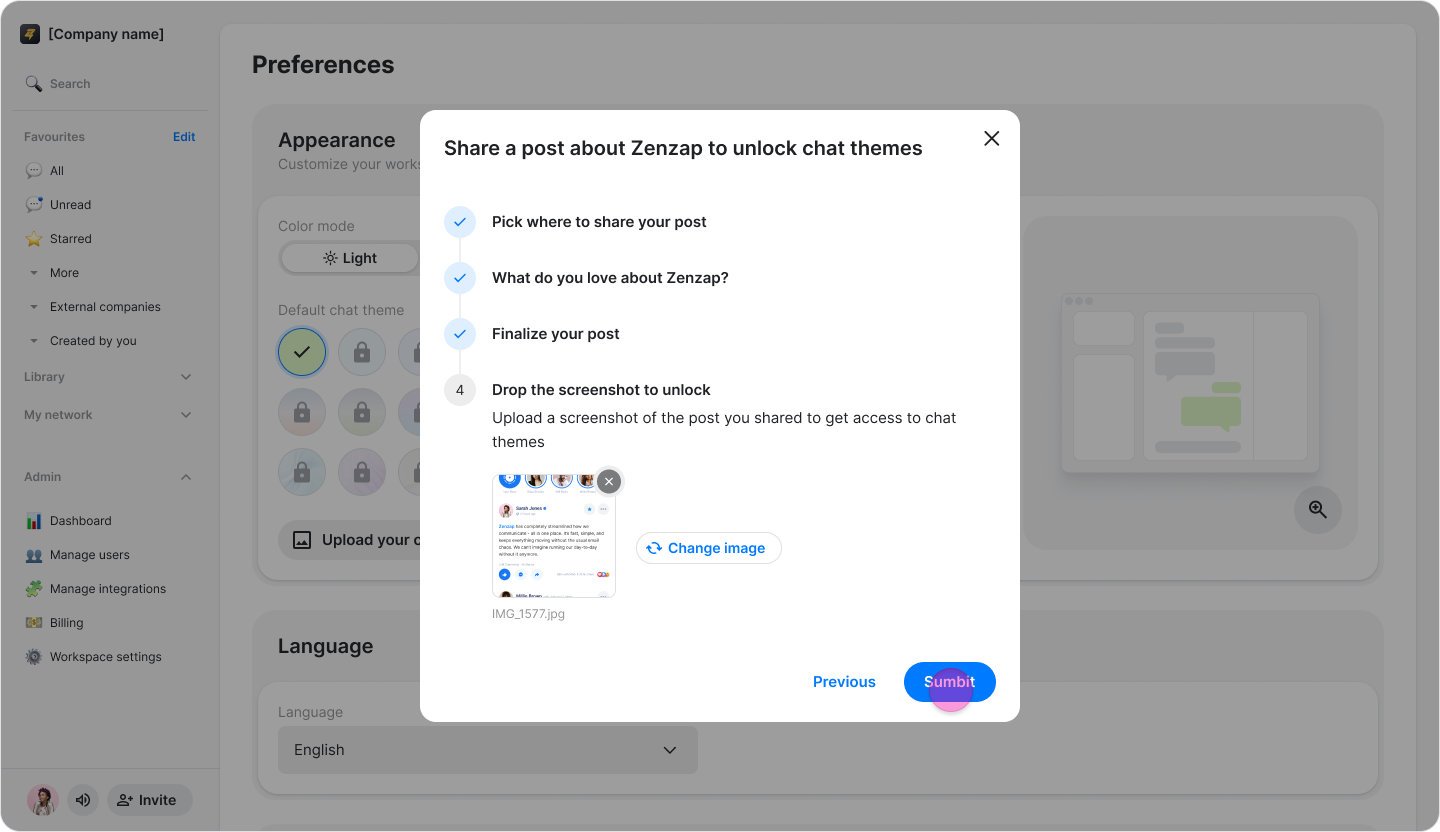
Follow the instructions in the pop-up.
Share a post about Zenzap.

Upload a screenshot showing that you shared the post.
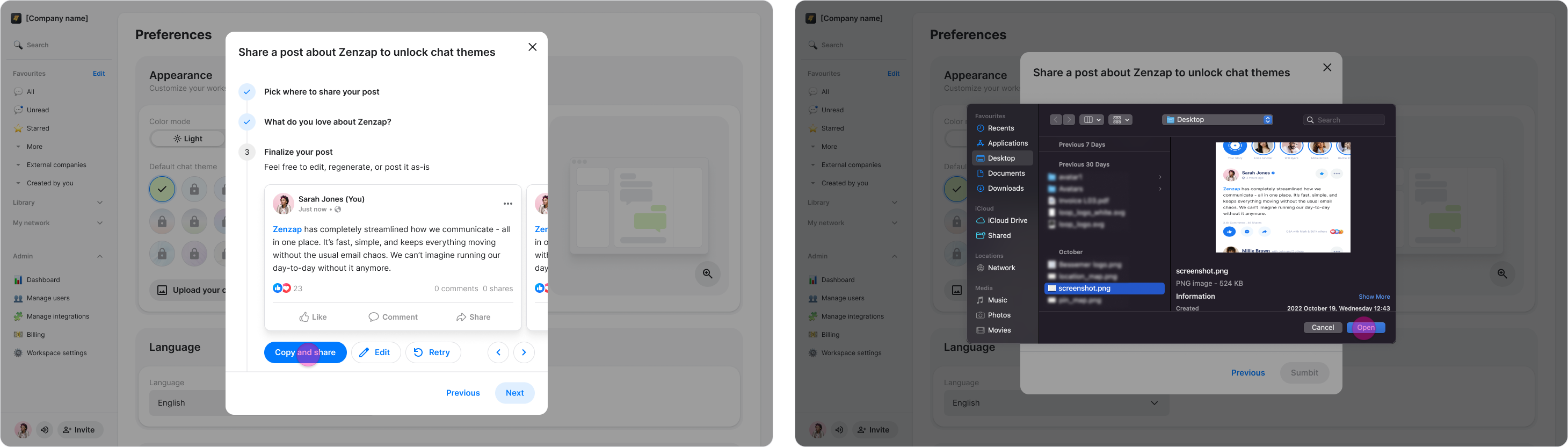
Click "Submit" to make the themes available.
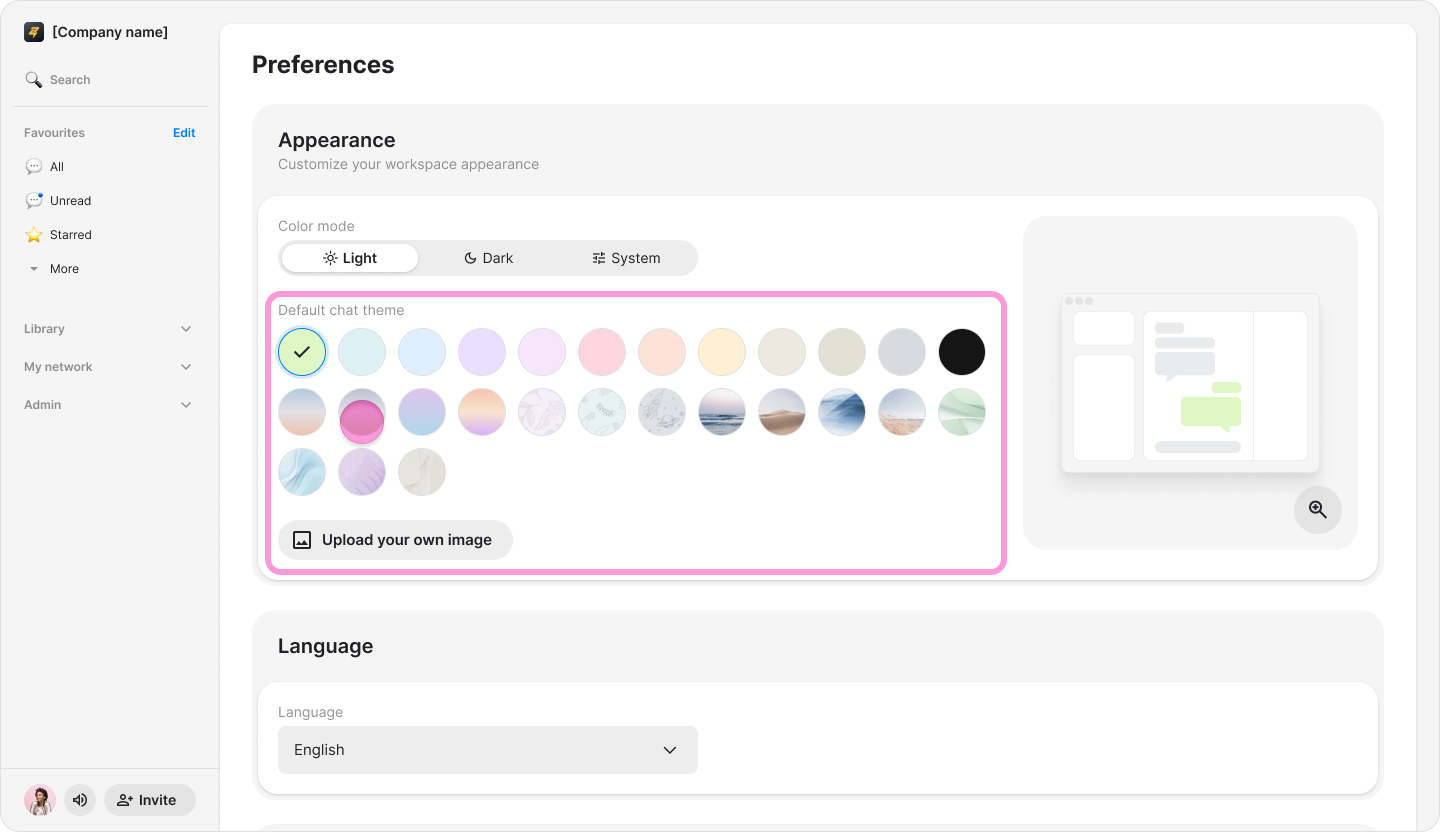
Choose a theme or upload a background image.
Adjust the background brightness or select a color for the message bubbles.
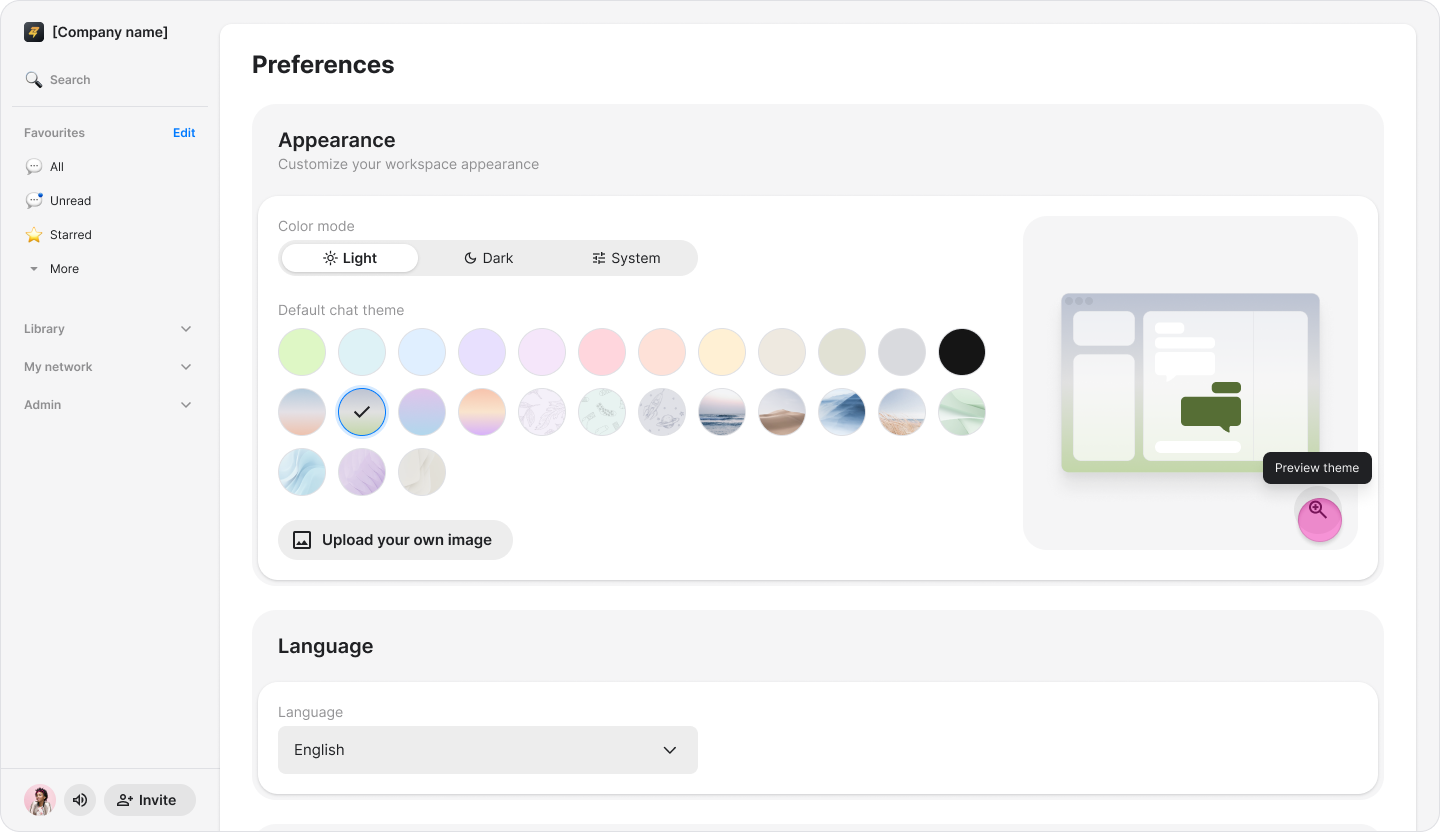
Click "Set theme".