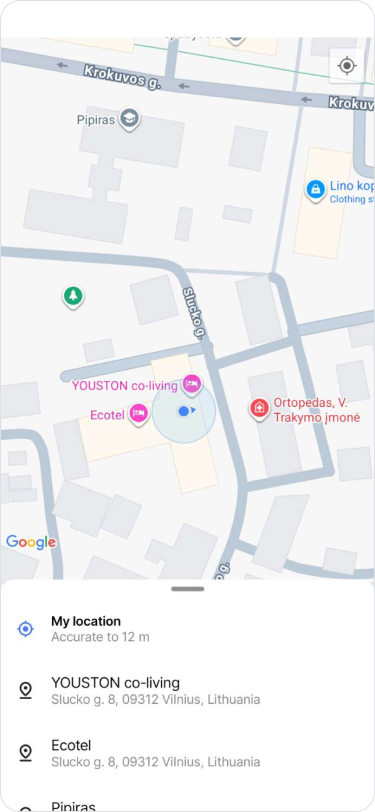
Share Location
Edited
Share your current location or a specific destination.
On Mobile (iOS)
Granting Permissions
Open your device "Settings".
Search for and tap "Zenzap".
Tap "Location" to set your sharing permissions.
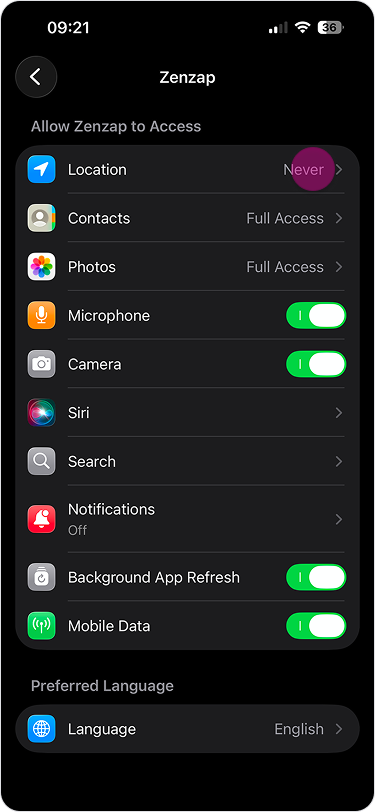
Sharing your Location
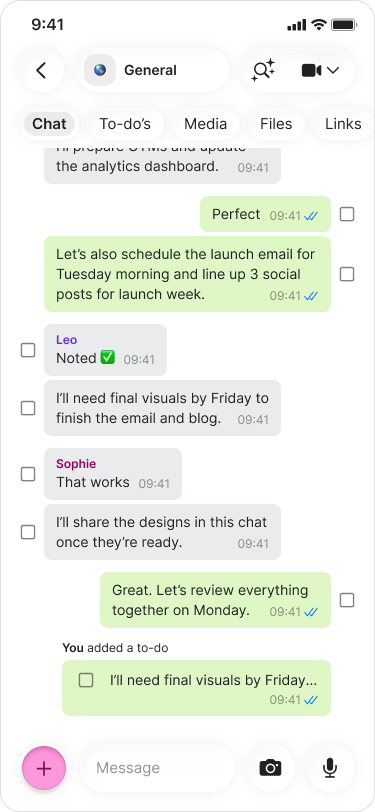
Open a chat.
Tap the "+" button on the bottom-left.
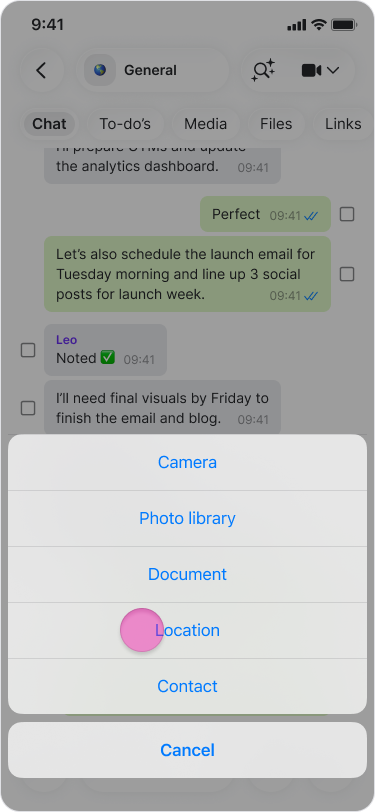
Tap "Location" from the menu.
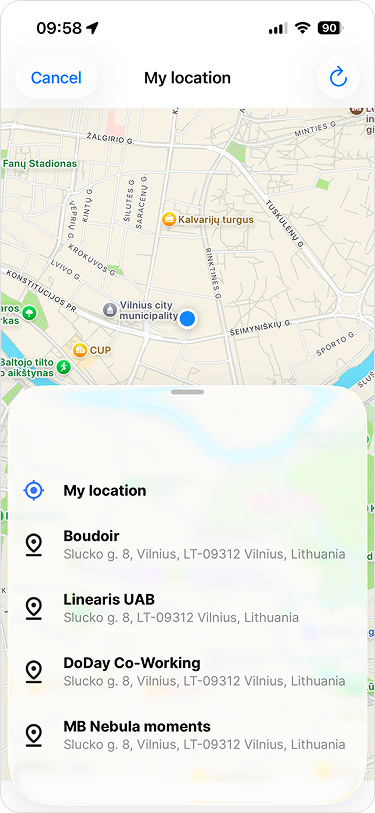
Select "My location" or choose a suggested location.
On Mobile (Android)
Granting Permissions
Open your device "Settings".
Search for and tap "Zenzap".
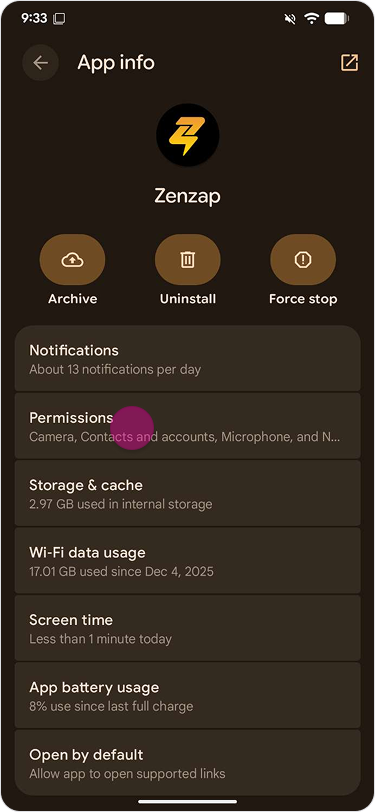
Tap "Permissions".
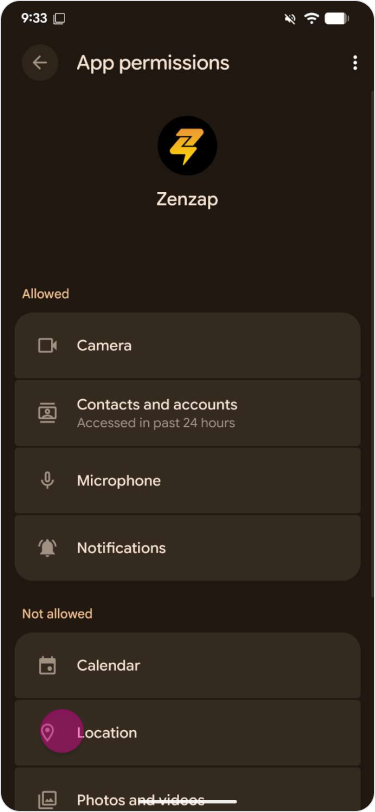
Tap "Location" to set your sharing permissions.
Sharing your Location
Open a chat.
Tap the "Paper clip" icon in the message field.
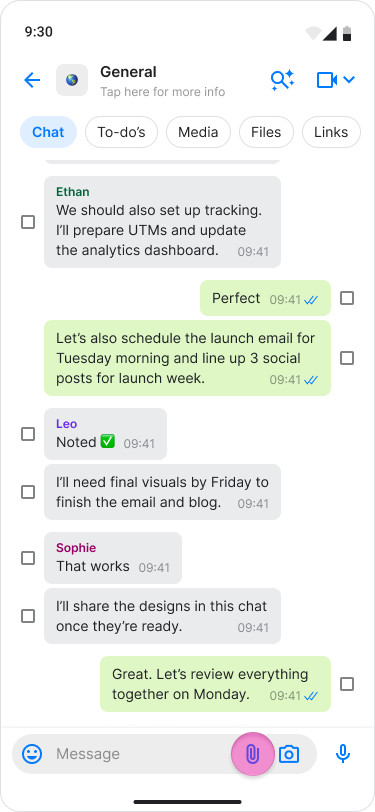
Select "Location".
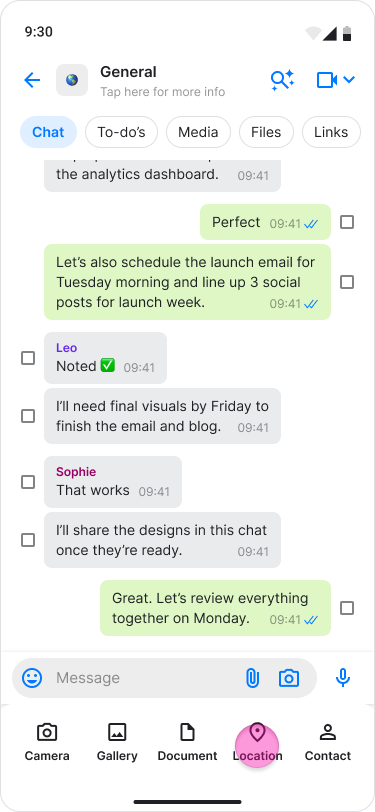
Select "My location" or search for a location to share it.