
Share Contacts
Edited
Share your phone contacts directly from your chats to keep your team informed and connected.
On Mobile (iOS)
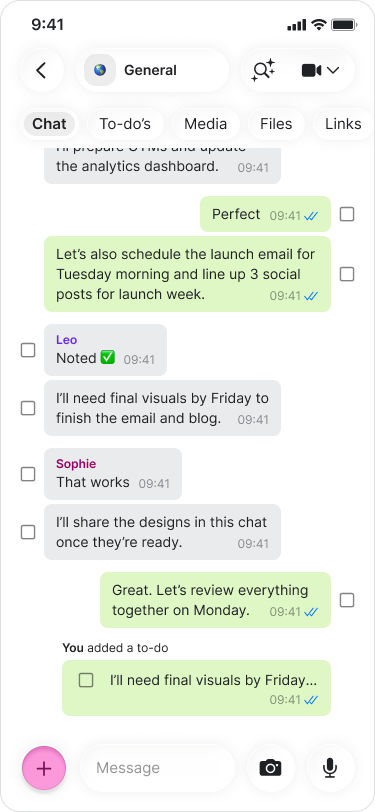
Open a chat.
Tap the "+" button on the bottom-left.
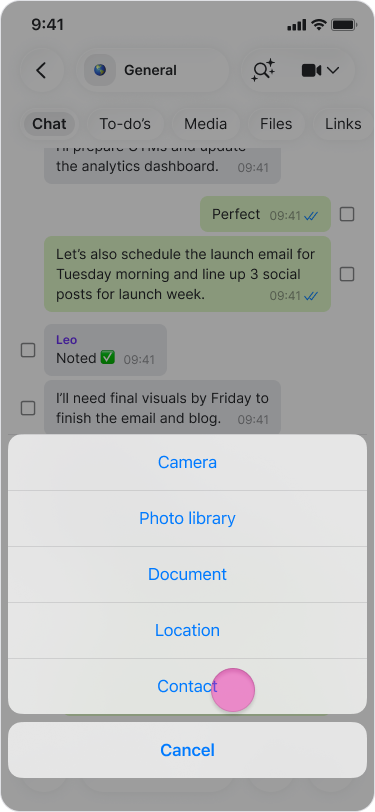
Select "Contact" from the menu.
Search for and select the contacts you want to share.
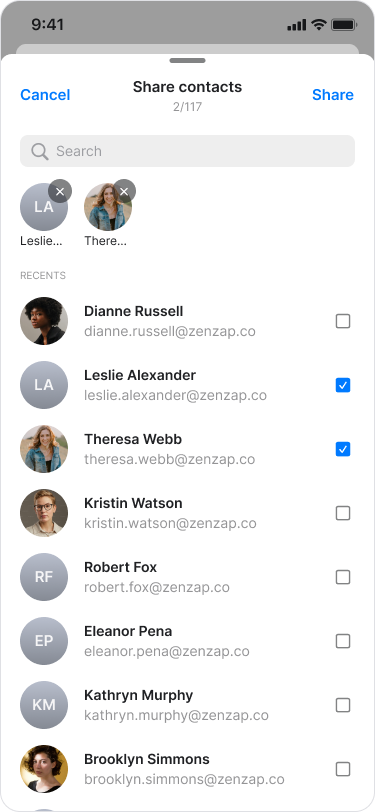
Tap "Share" to send them to the chat.
On Mobile (Android)
Open a chat.
Tap the "paper clip" icon in the message field.
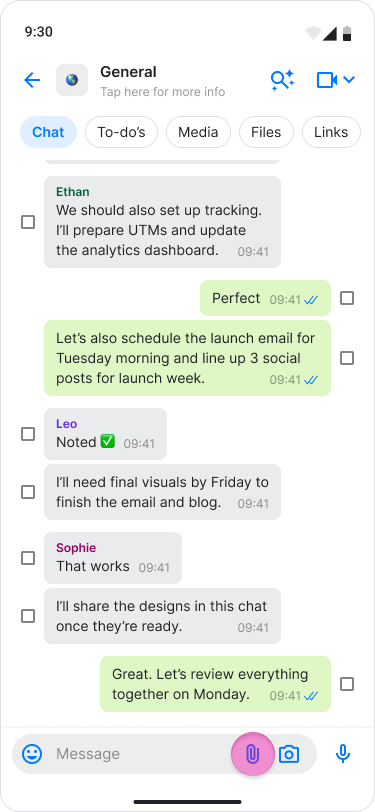
Select "Contact".
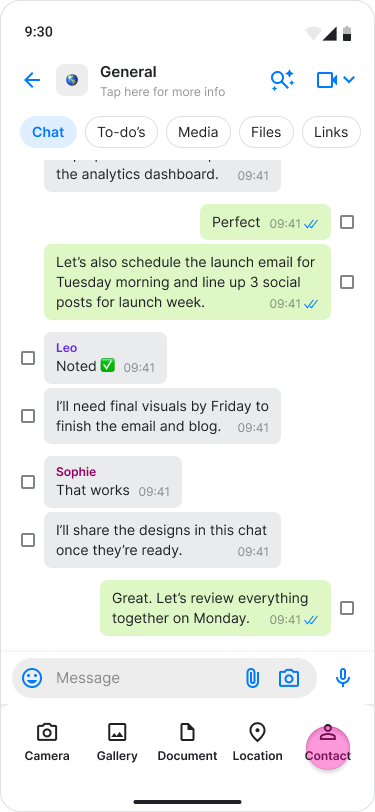
Search through your contacts
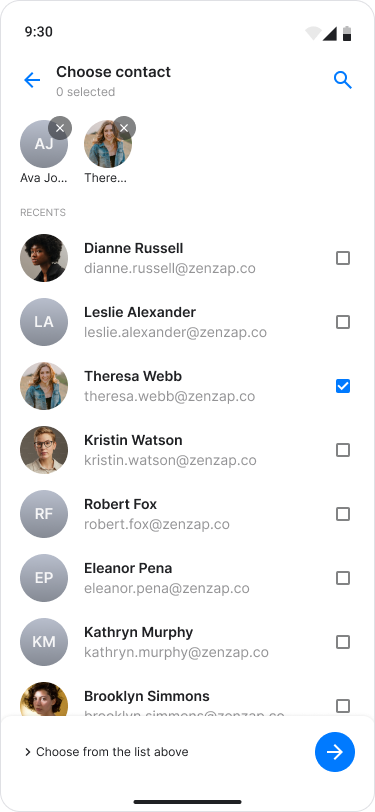
Select the checkbox for each contact you want to share.
Tap the "Arrow" button to confirm and send.