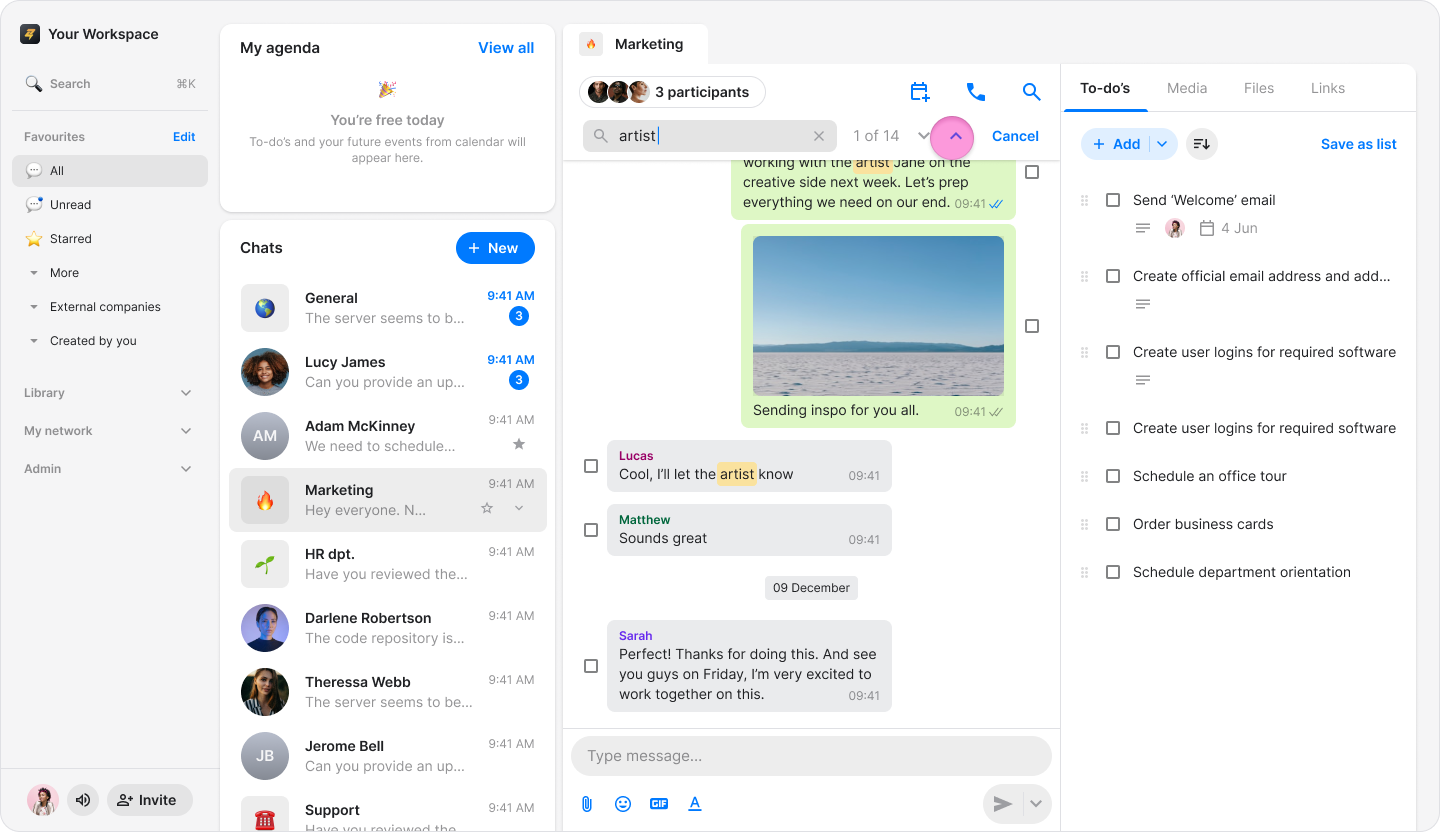
Search in Chat
Edited
Easily find specific messages in a desired chat.
On Mobile (iOS & Android)
Open the chat you want to search in.
Tap the "Search" icon in the top-right corner.

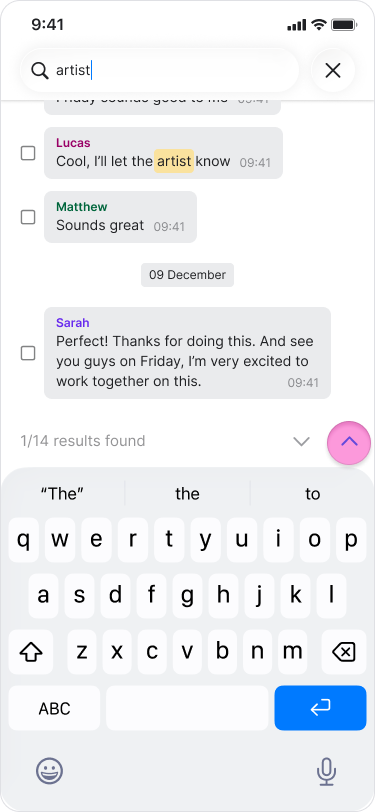
Type at least three letters to start searching for a word.
Note:
A date will appear above your search results.
Tap the "Up" or "Down" arrows to skip between multiple search results.
On Desktop (macOS)
Open the chat you want to search in.
Press the "Search" icon in the menu above the chat.
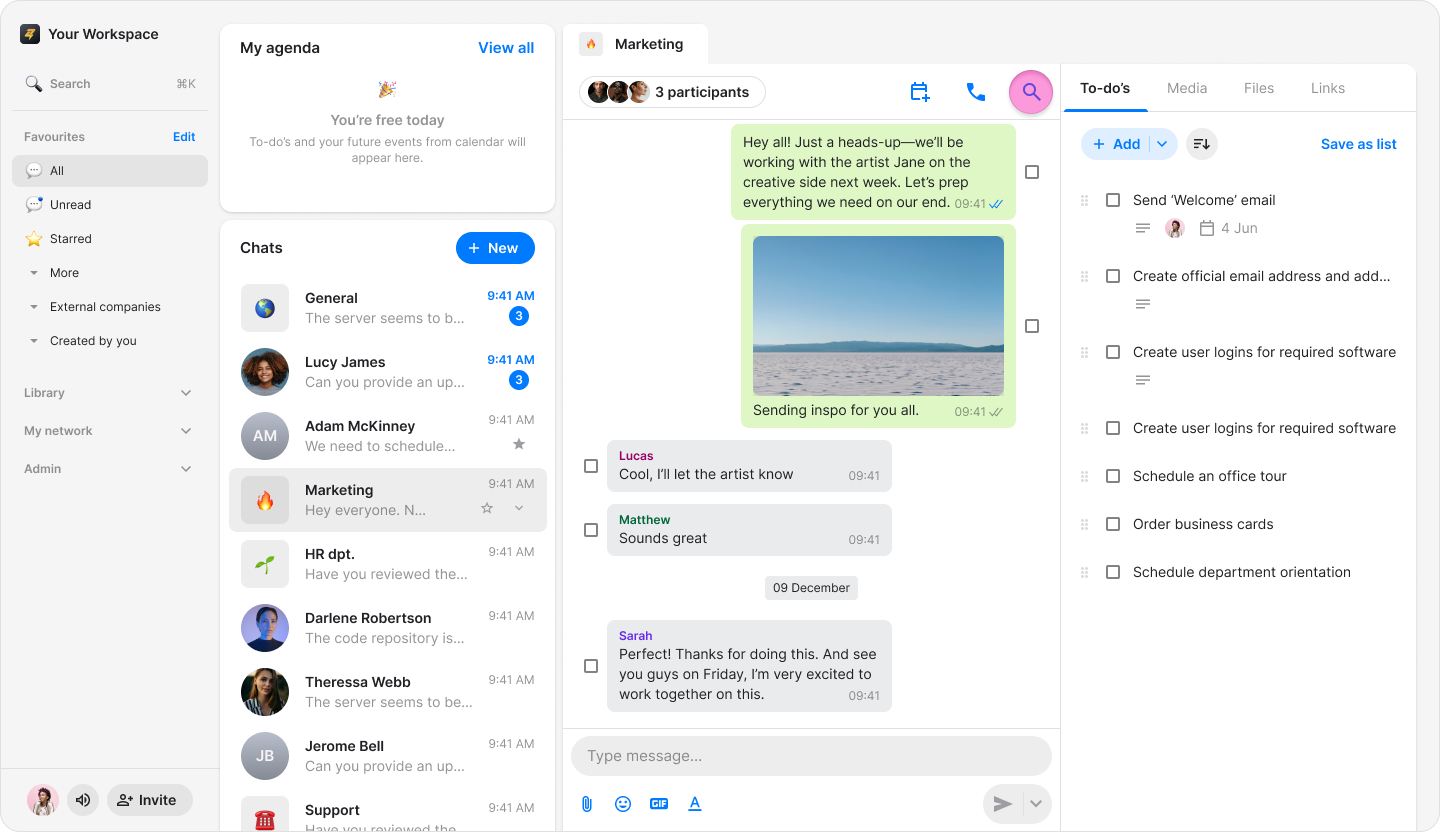
Type at least three letters to start searching for a word.
Note:
A date will appear above your search results.
Click the "Up" or "Down" arrows to skip between multiple search results.