
Disconnect Your Google Calendar
Edited
Go to https://myaccount.google.com/connections and sign in if prompted.
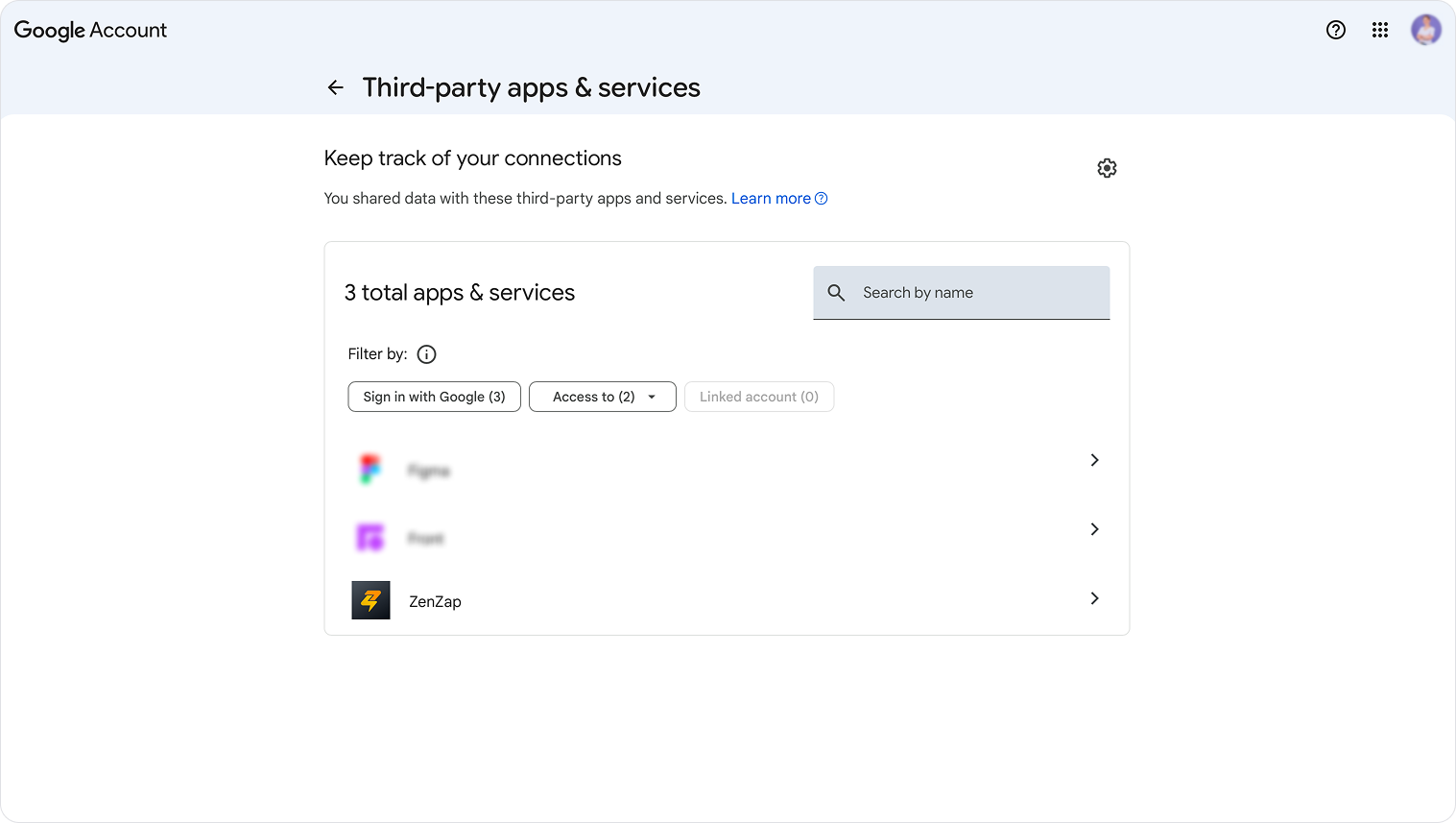
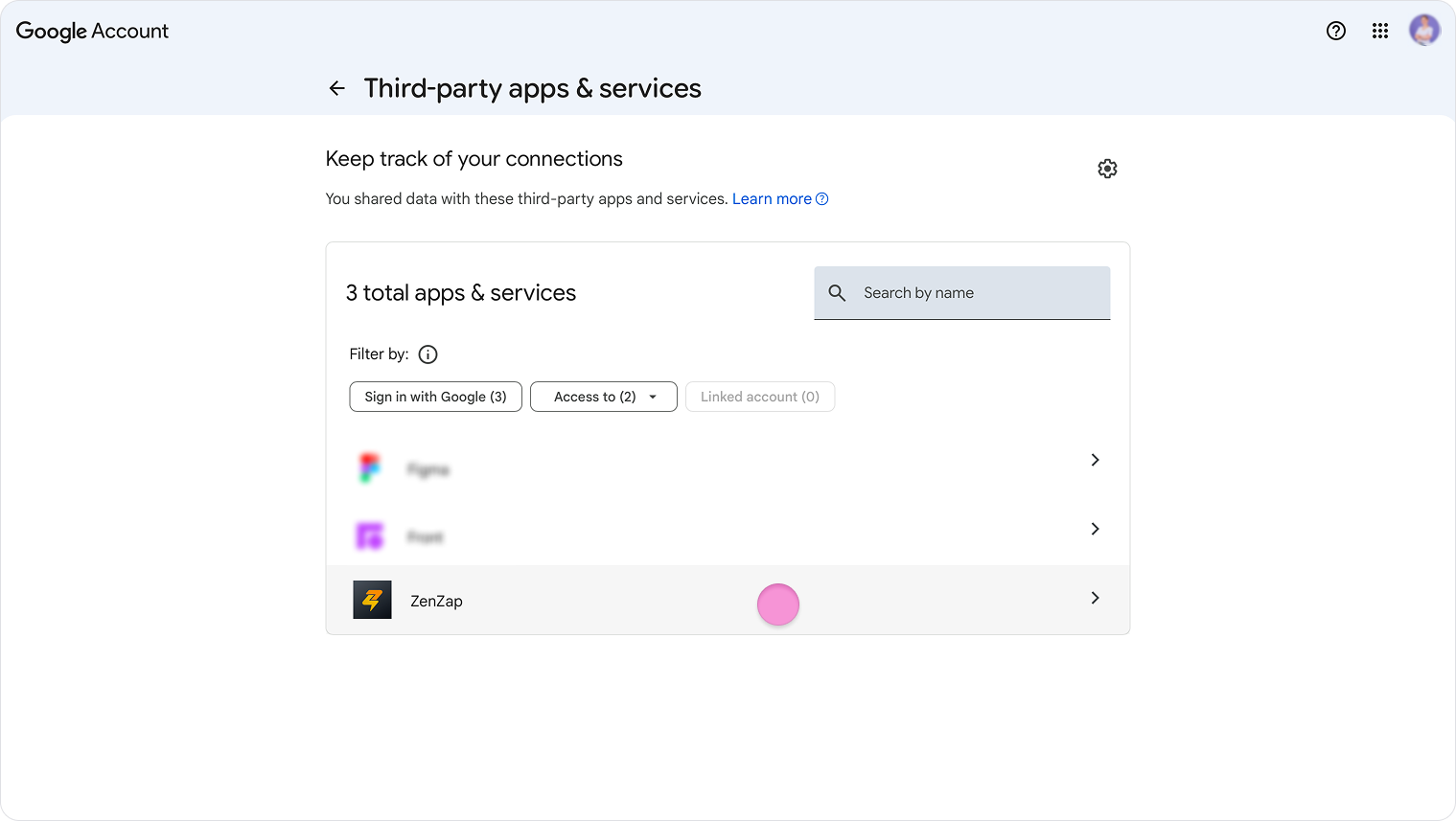
Click “Zenzap” (usually at the bottom of the page).
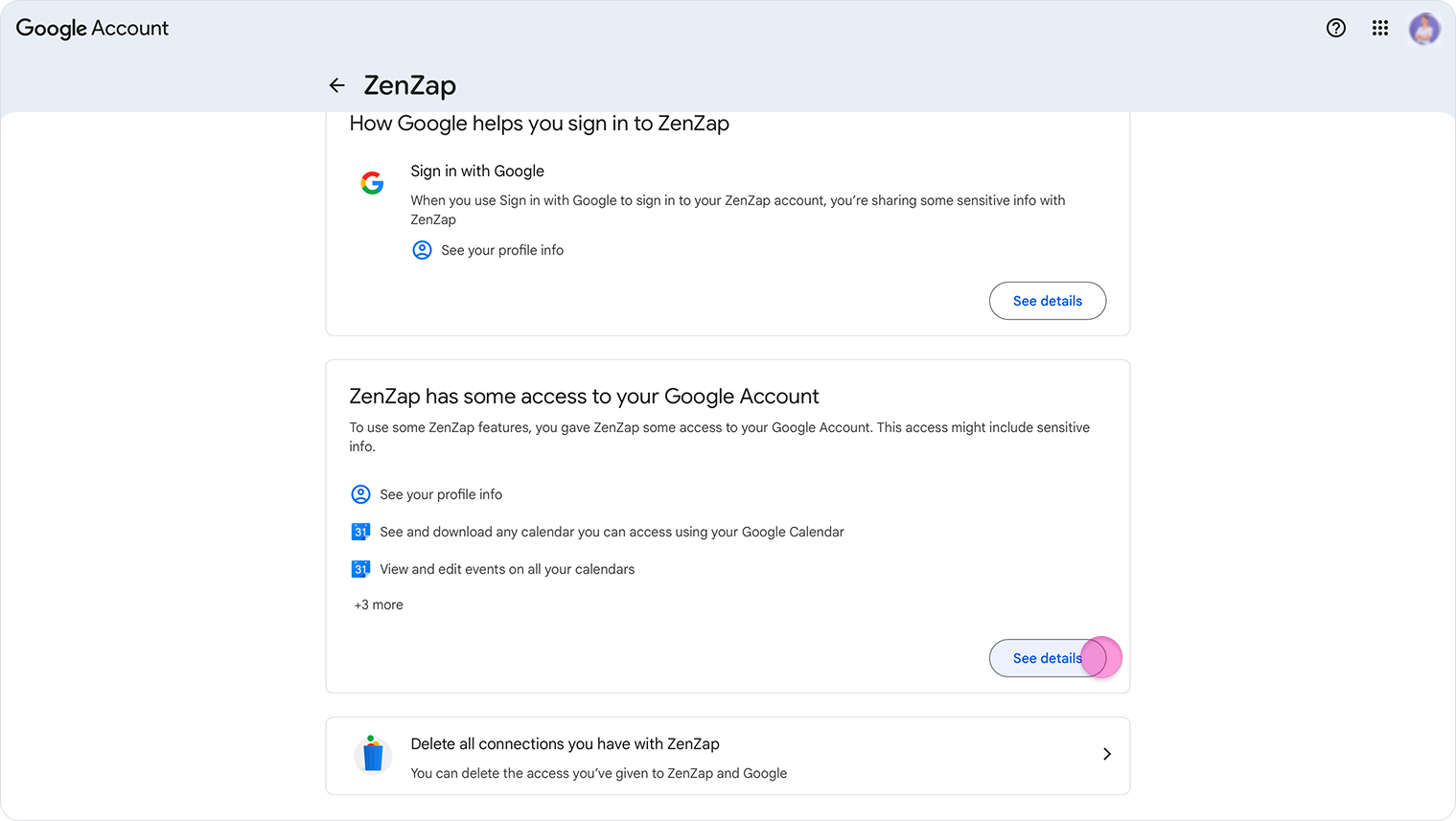
Click "see details" under the "ZenZap has some access to your Google Account" section.
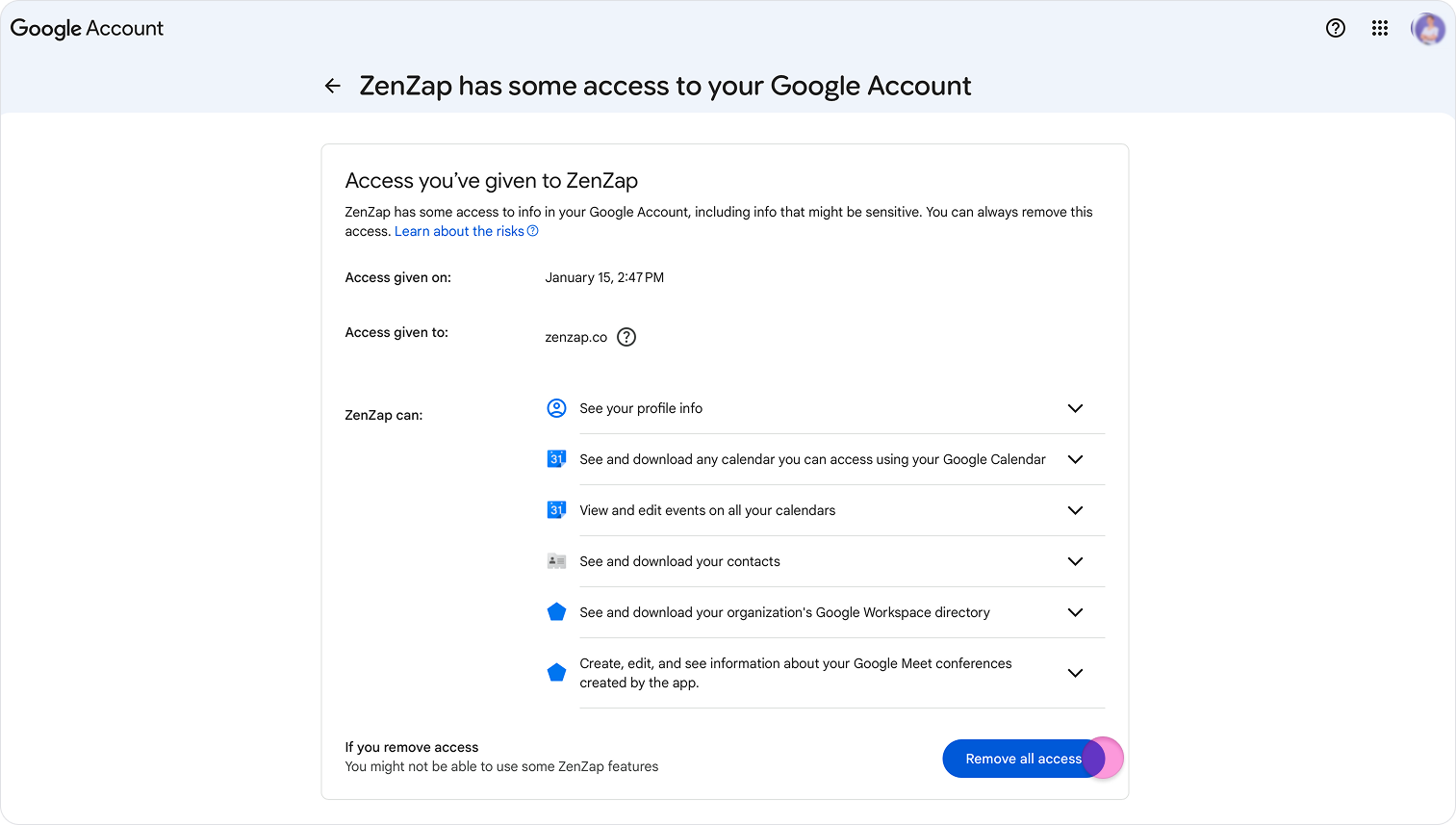
Click on “Remove all access”.
Note: You must be logged into the same Google account that was originally used to connect your calendar to Zenzap.