
Share Images
Edited
Share photos with your teammates directly from your device's gallery to Zenzap.
On Mobile (iOS & Android)
Open the photos folder on your phone.
Select one or multiple images.
Tap the “Share” icon.
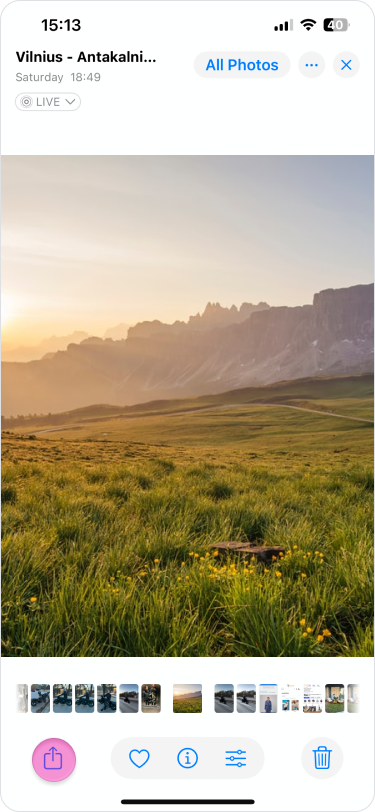
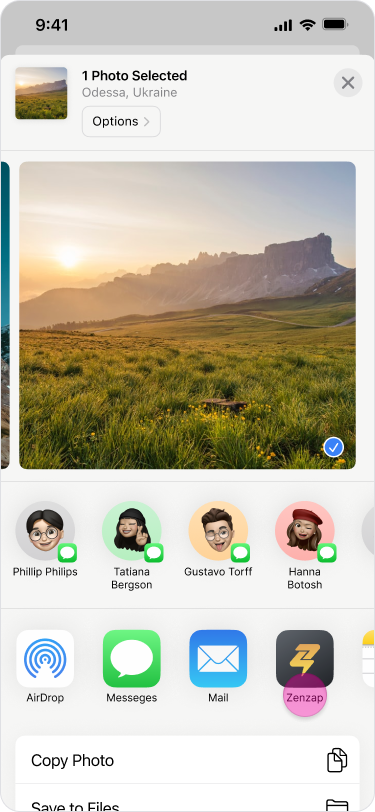
Select the “Zenzap” app.
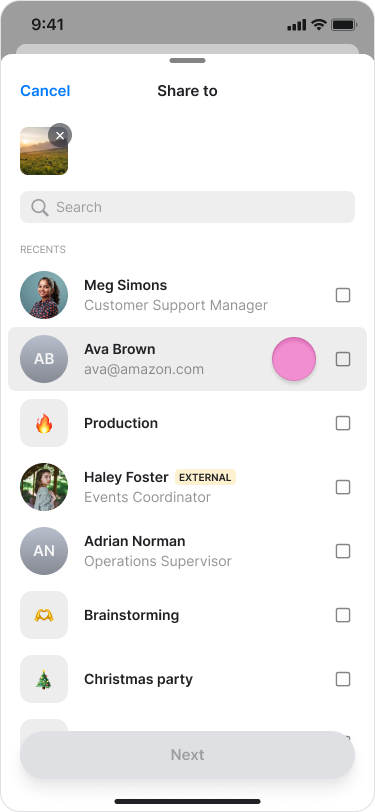
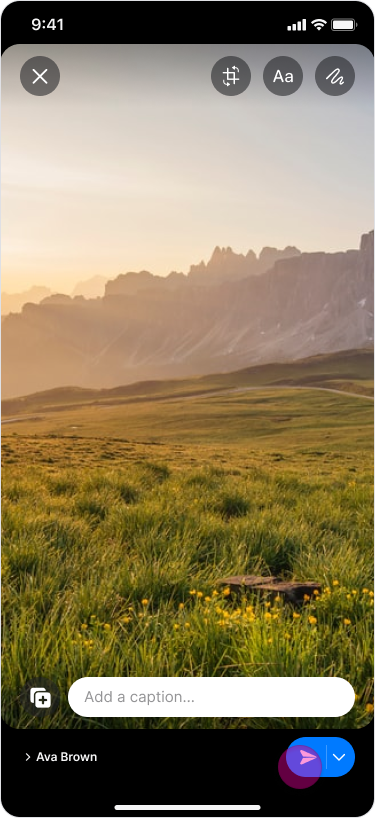
Select a chat or multiple chats.
Tap “Next”.
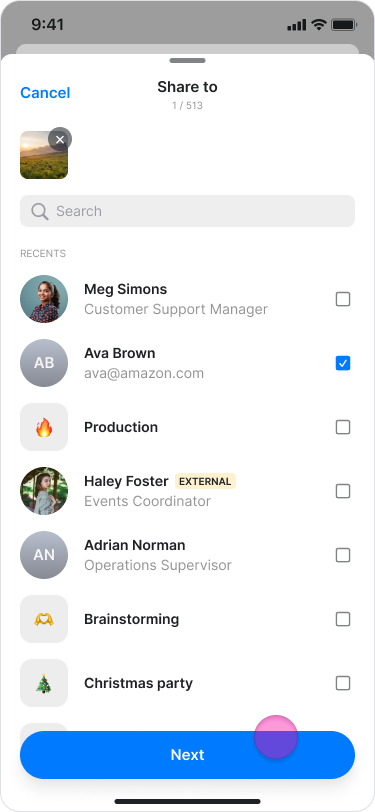
Tap the “Send” icon.
Note: After tapping the "Share" icon, your most used chats will appear above the app selection.