
Leave a Topic
If you no longer want to be part of a group chat, you can remove yourself and exit the conversation.
On Mobile (iOS & Android)
Open the group chat you want to leave.
Tap the group’s name at the top of the screen.
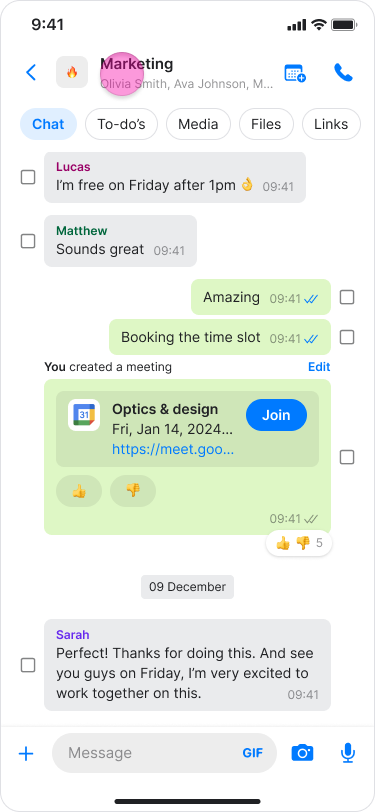
Tap the "Three dots" icon on the top right.
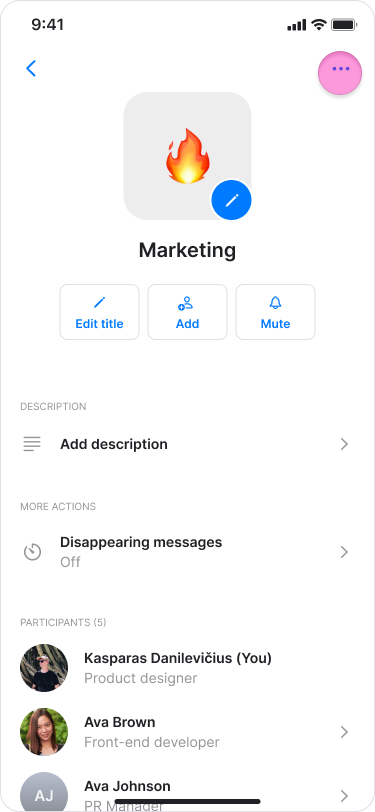
Tap "Leave topic".
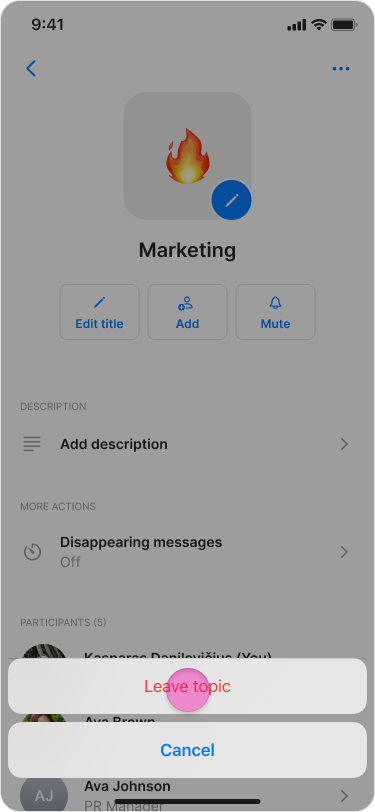
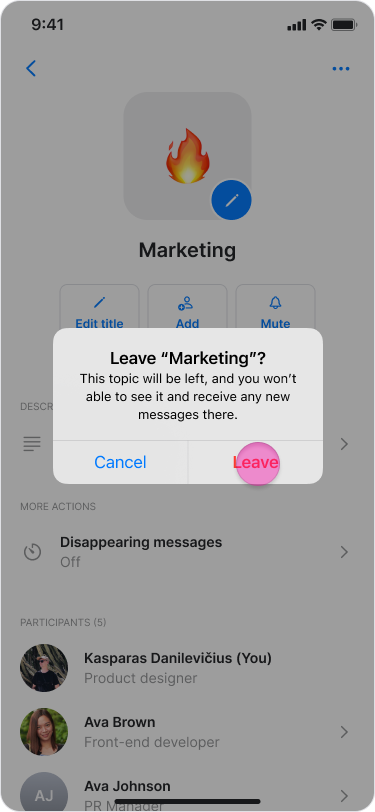
Select an option:
Tap "Leave" to confirm.
Tap "Cancel" to stay in the topic.
Note:
In your message list, you can slide a chat left and tap "Leave topic" or long-press the chat and select "Leave the topic".
Once you leave a group, you will stop receiving new messages and lose access to the message history and media.
Your previous messages remain visible to others.
An automatic message is sent to the chat to notify others that you have left.
To rejoin a topic, a current member must add you back.
On Desktop (Windows, macOS, & Web App)
Open the group chat you want to leave.
Click the participants list under the name of the topic.
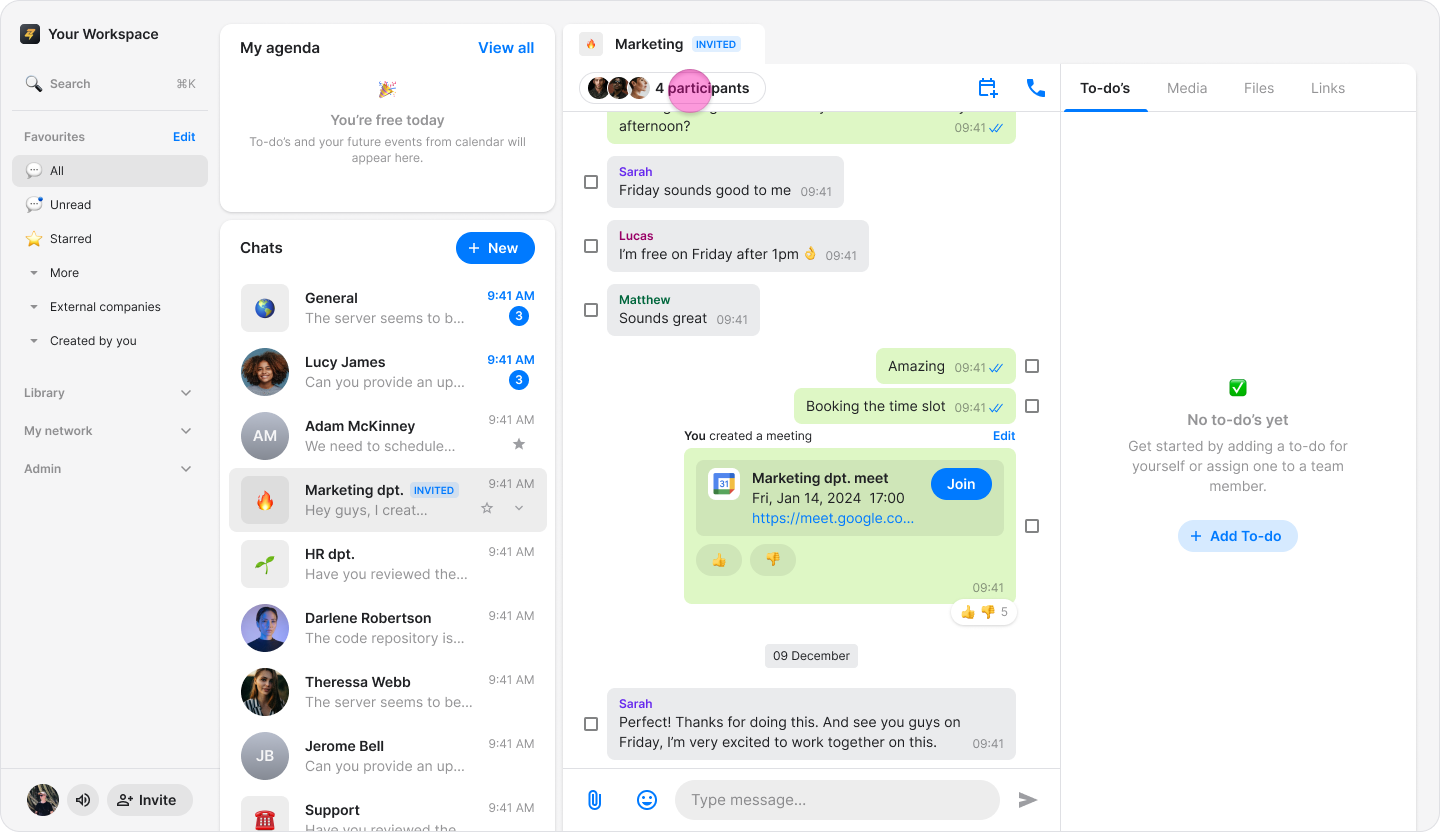
Scroll down to the end of participants list (On Windows &Web), or click the "Three dots" icon on the top right (On macOS).
Click "Leave topic".
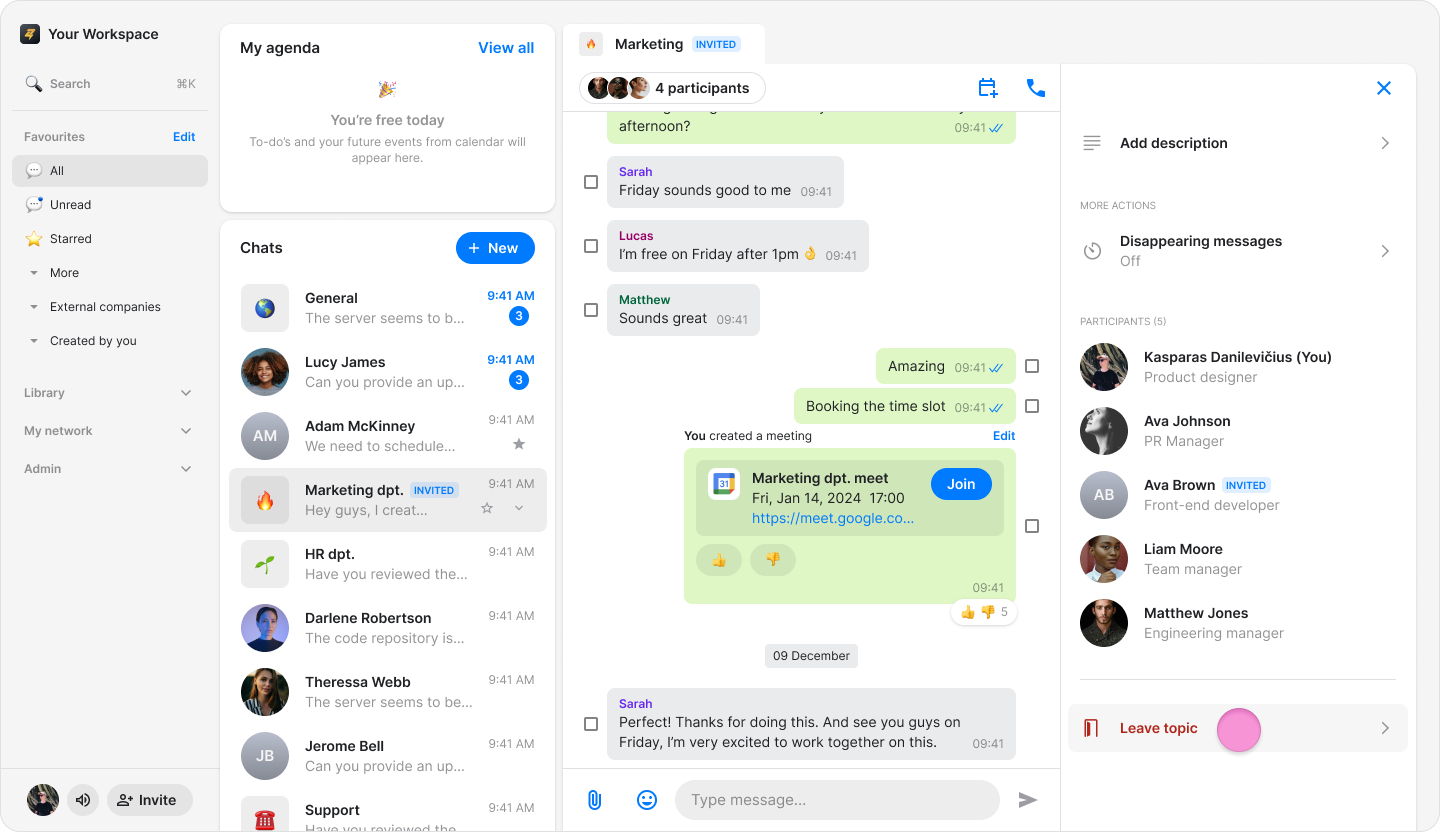
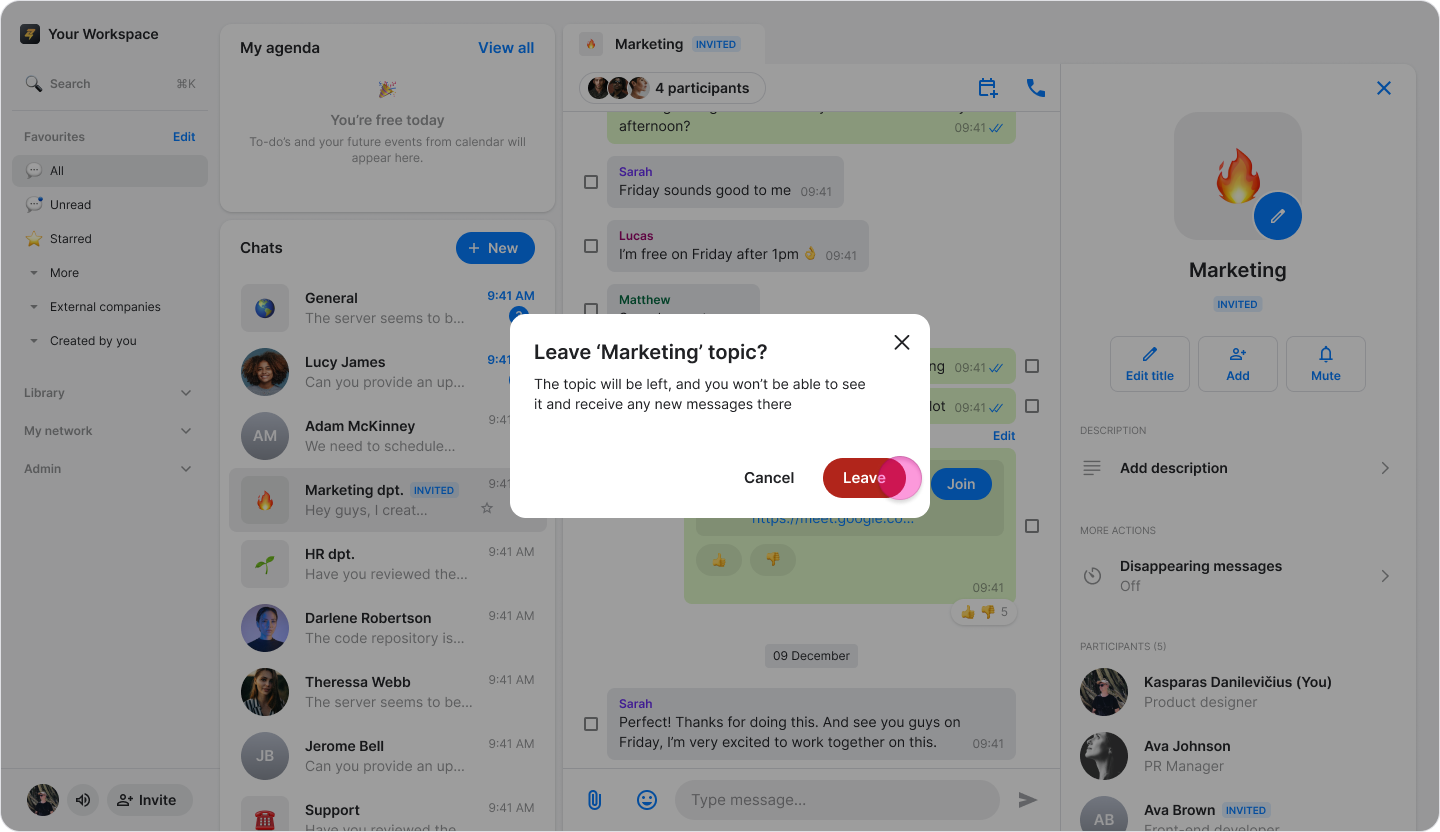
Select an option:
Click "Leave" to confirm.
Click "Cancel" to stay in the topic.
Note:
You can also click the down arrow next to the chat and click "Leave topic".
Once you leave a group, you will stop receiving new messages and lose access to the message history and media.
Your previous messages remain visible to others.
Participants receive an automatic notification when you leave the chat.
To rejoin a topic, a current member must add you back.