Set Who Can Add AI Agents
Control which team members can add AI agents in your workspace.
Access: Workspace Admins
On Mobile (iOS & Android)
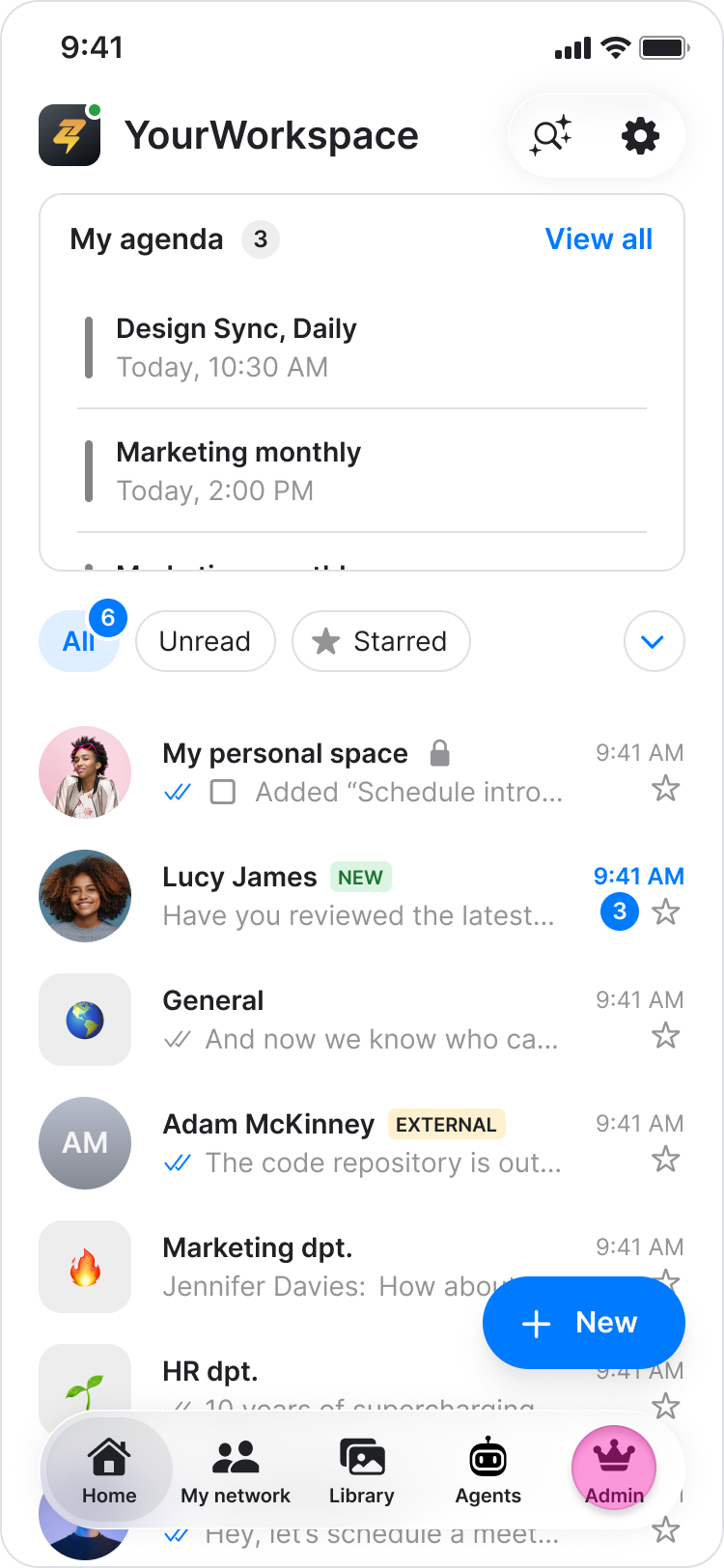
Tap "Admin" at the bottom of your screen.
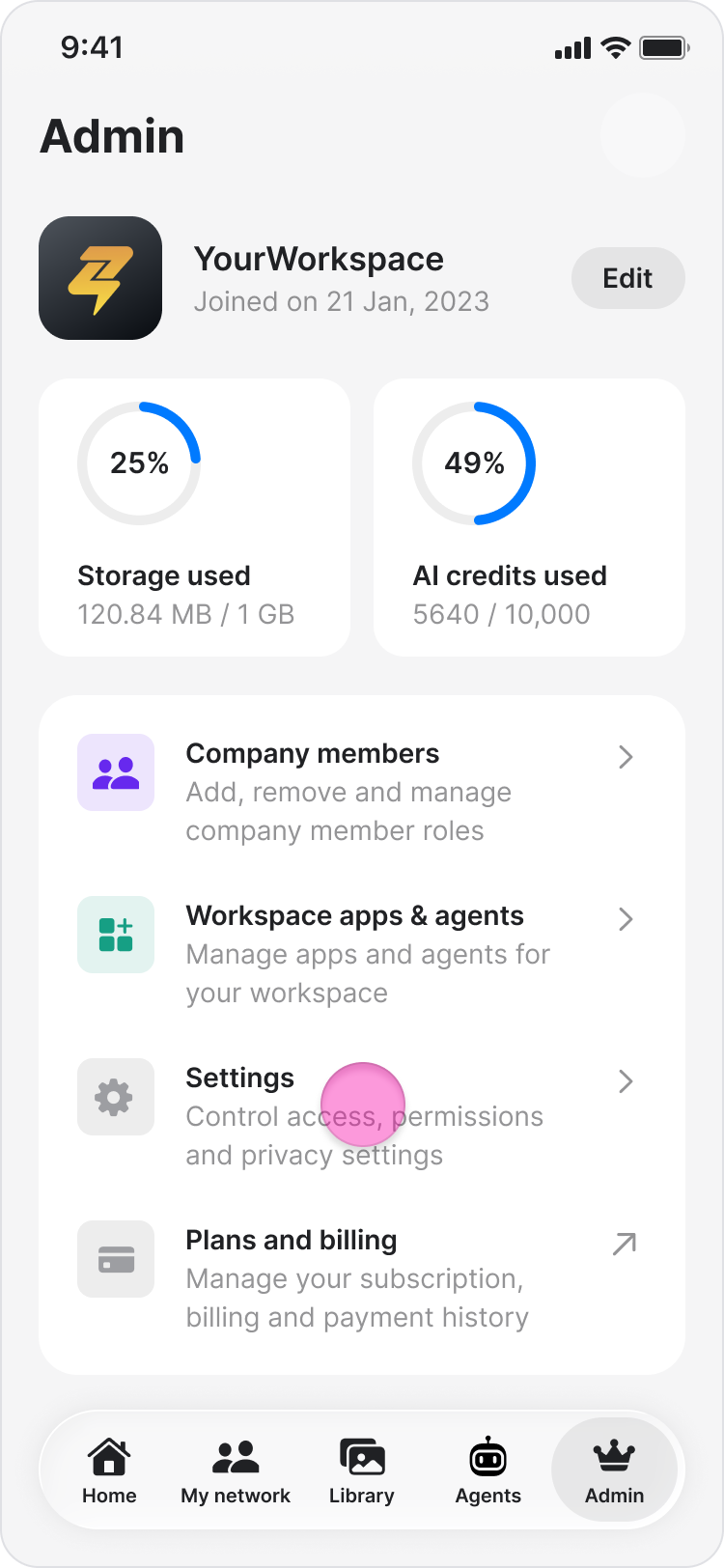
Tap "Settings".
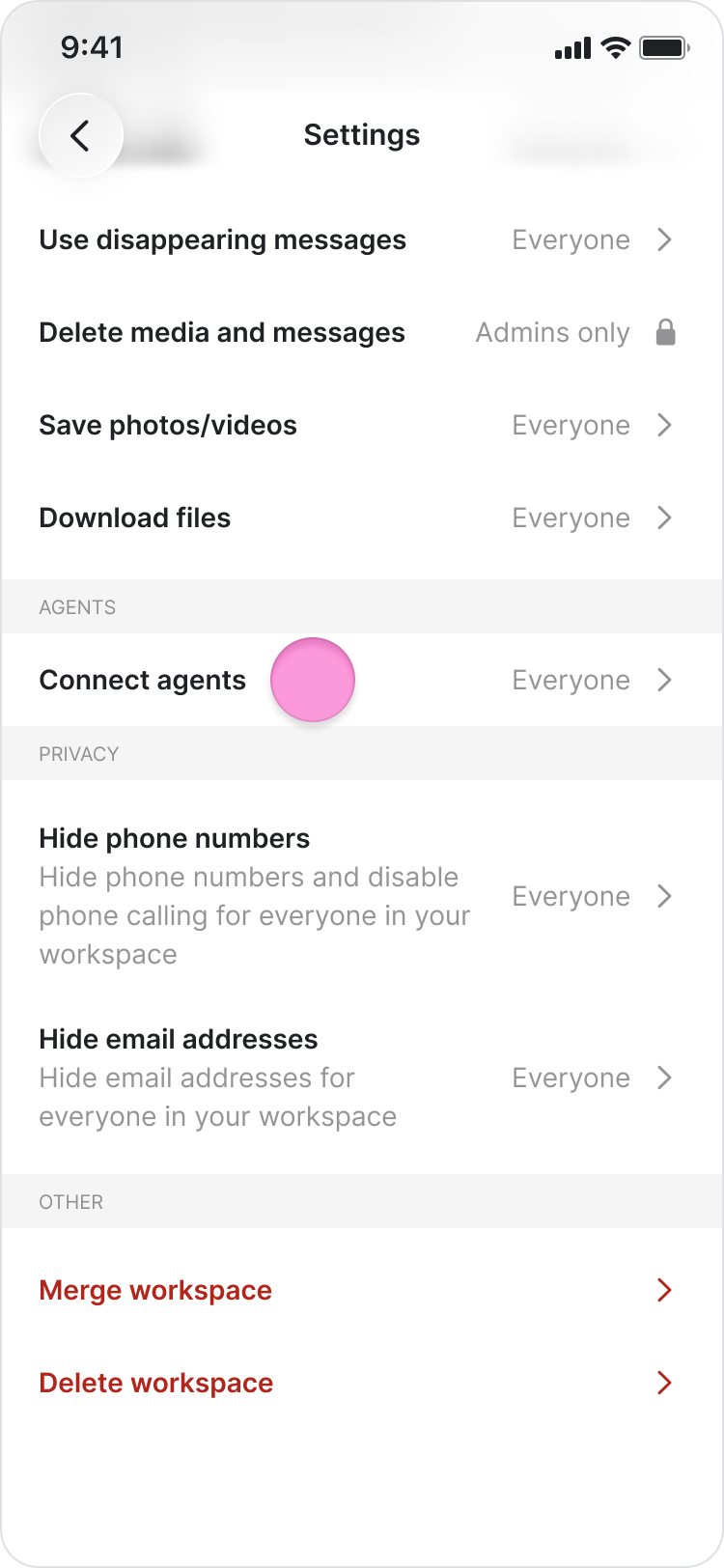
Under the Agent section, tap on "Connect agent".
Choose who can connect agents in your workspace:
"Everyone"
"Admins only"
"Admins & Managers"
Tap "Confirm".
Note:
The person who connects an agent becomes its owner and must be a member of any chat where the agent is added.
If agent connection is restricted, new members who do not have permission will not see the option to connect an agent.
Regardless of the connection permission you set, workspace admins can disconnect any agent in the workspace (See Disconnect an Agent for details).
On Desktop (Windows & Web App)
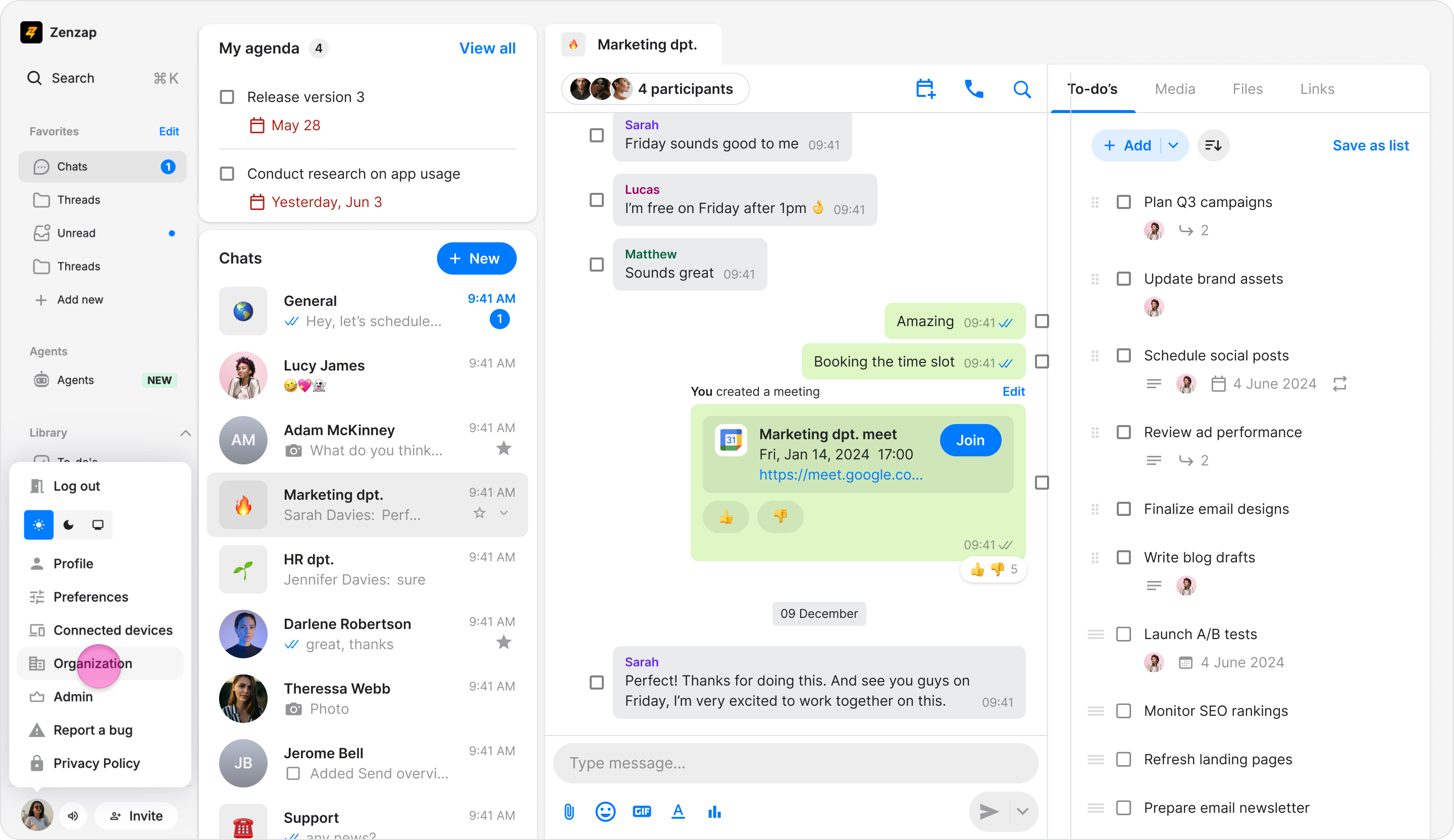
In the sidebar, click "Organization".
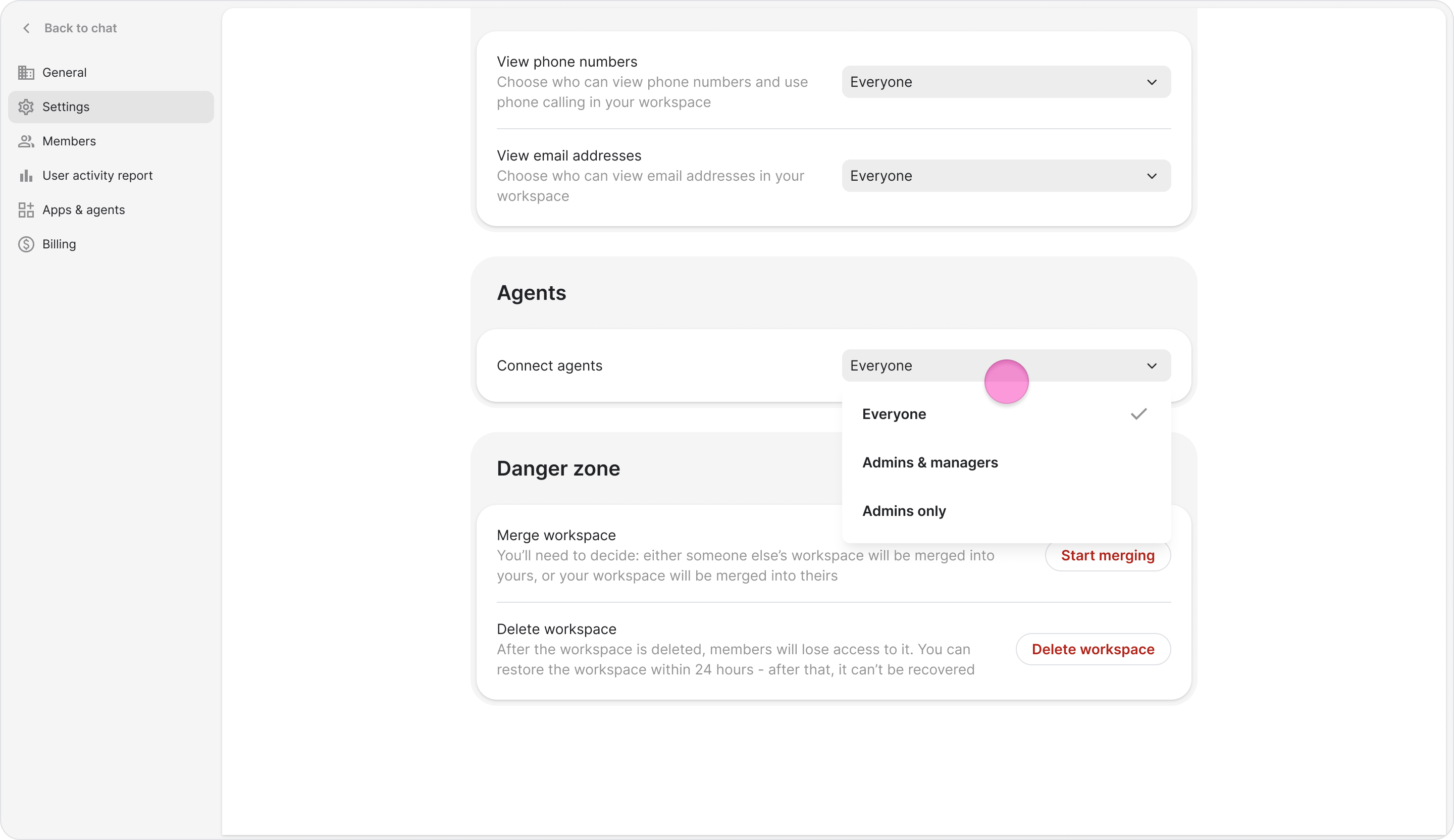
Under the Agent section, choose who can connect agents in your workspace: "Everyone", "Admins only", "Admins & Managers"
Note:
The person who connects an agent becomes its owner and must be a member of any chat where the agent is added.
If agent connection is restricted, new members who do not have permission will not see the option to connect an agent during onboarding.
Regardless of the connection permission you set, workspace admins can disconnect any agent in the workspace (See Disconnect an Agent for details).