Add an AI Agent to a Topic
Add an AI agent to a topic to give it context and let your team work with it in the group chat.
On Mobile (iOS & Android)
Open the chat you want to add your agent to.
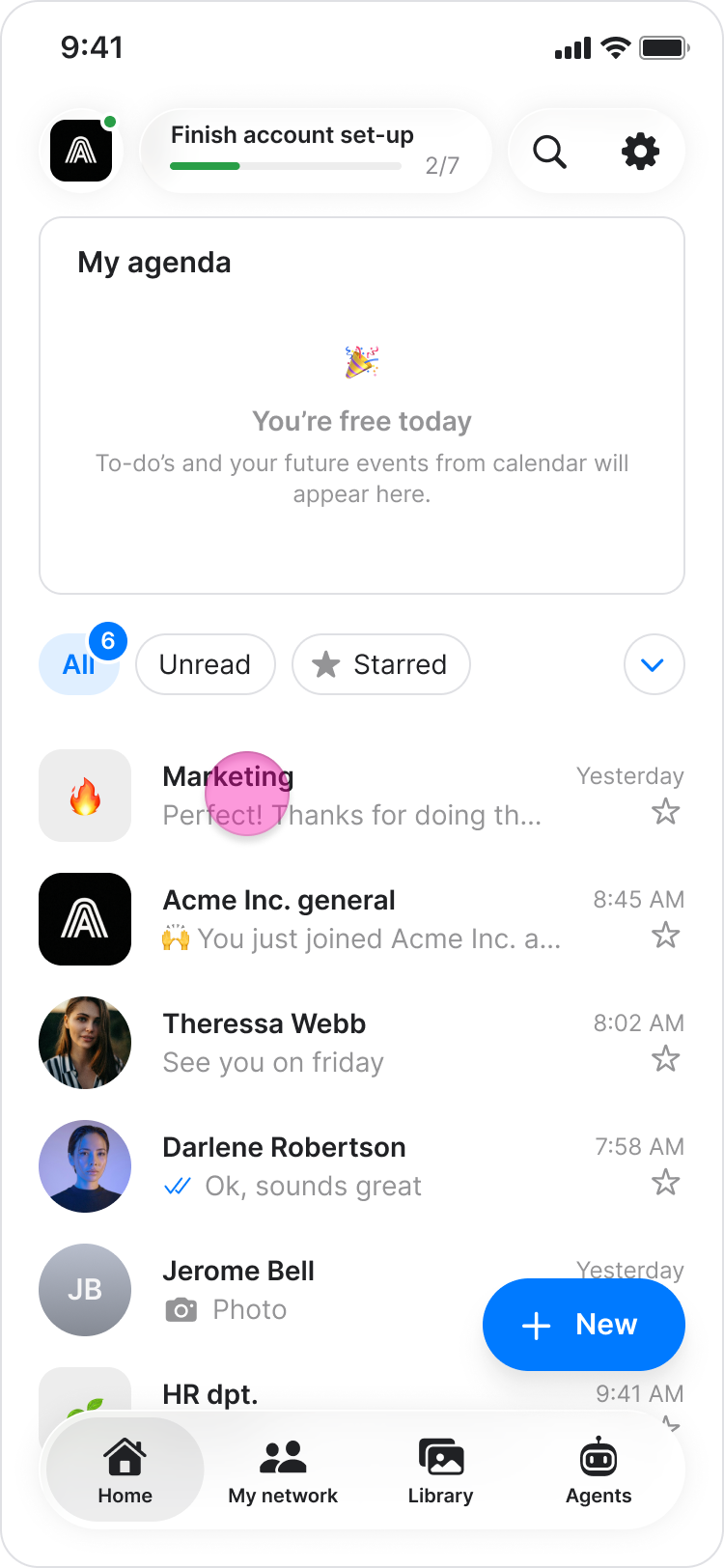
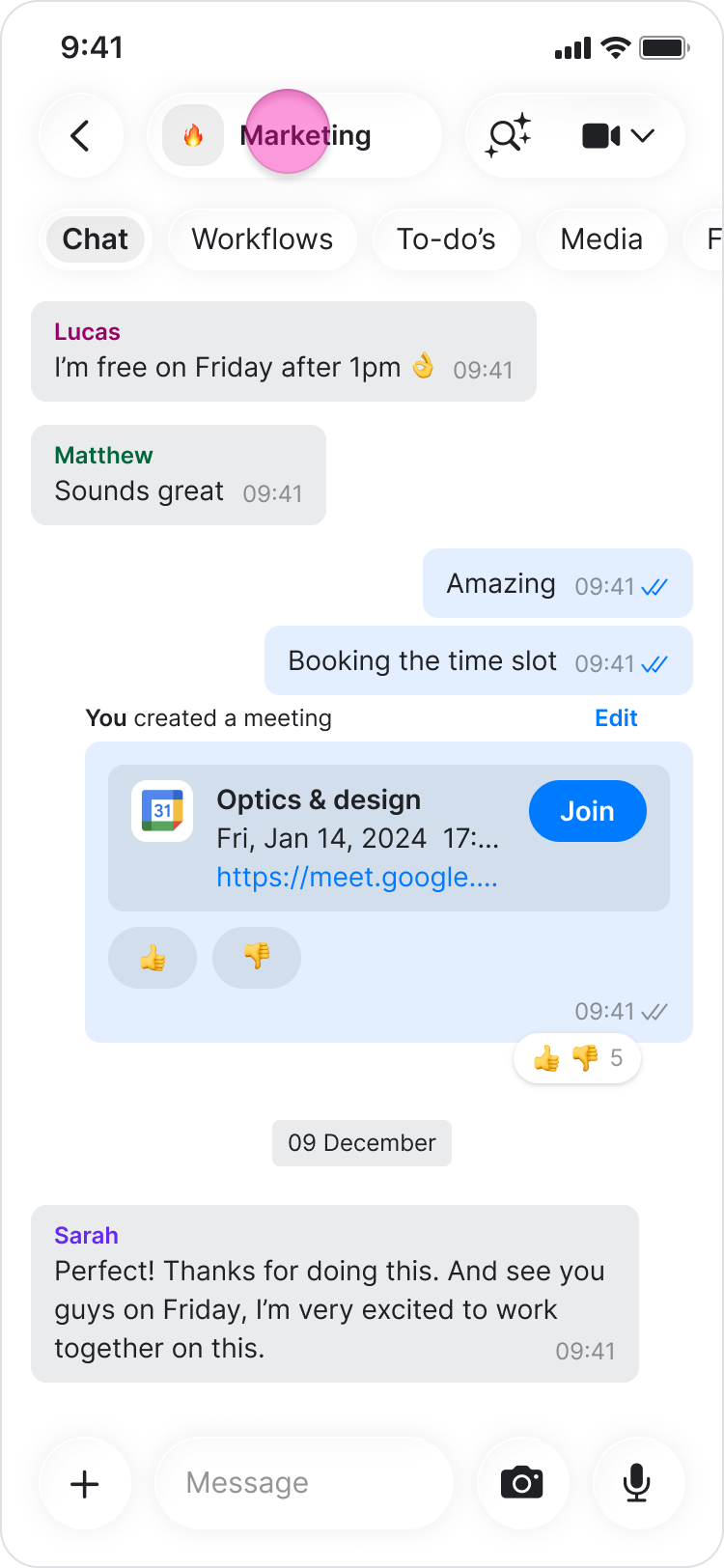
Tap the chat name at the top.
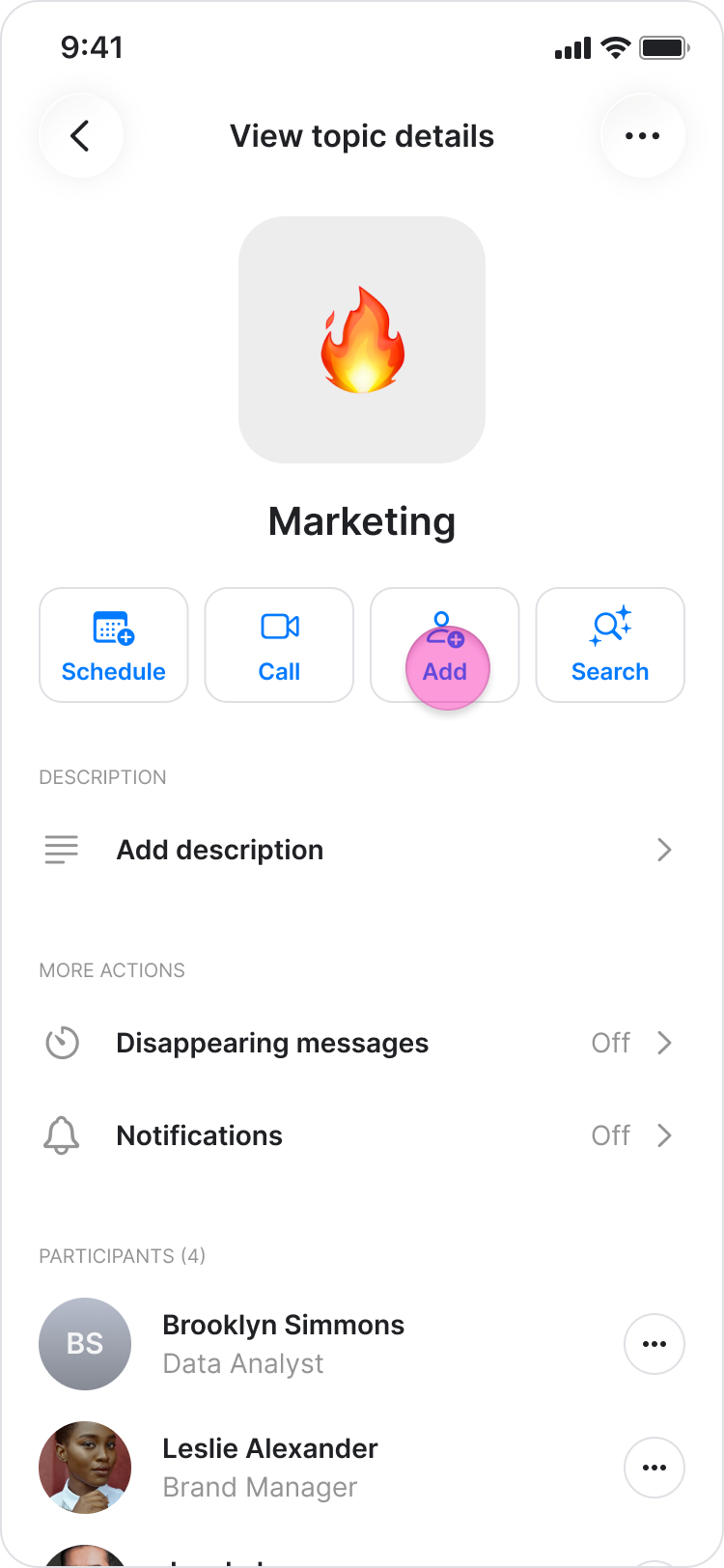
Tap "Add."
Under "Agents," select the agent you want to add.
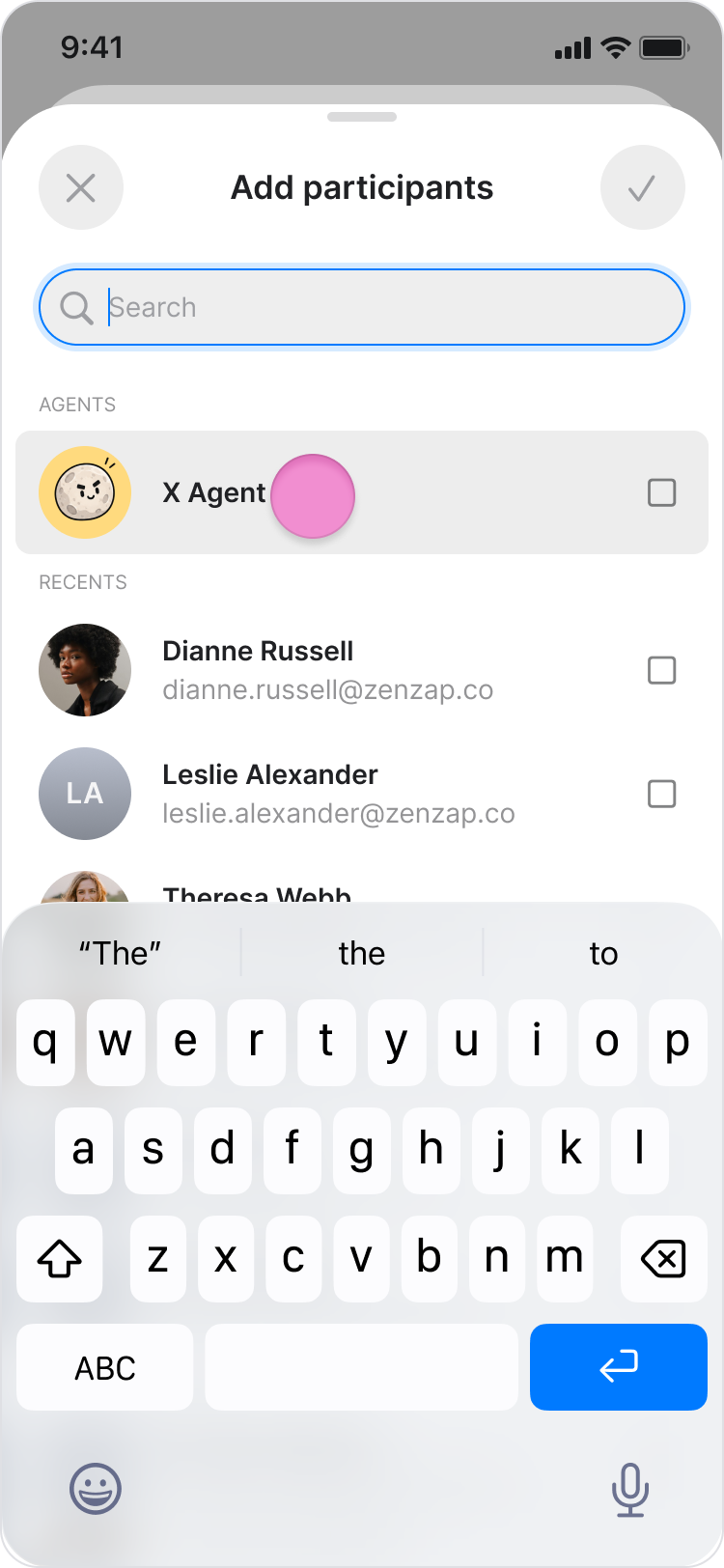
Tap the “Done” in the top-right corner to confirm.
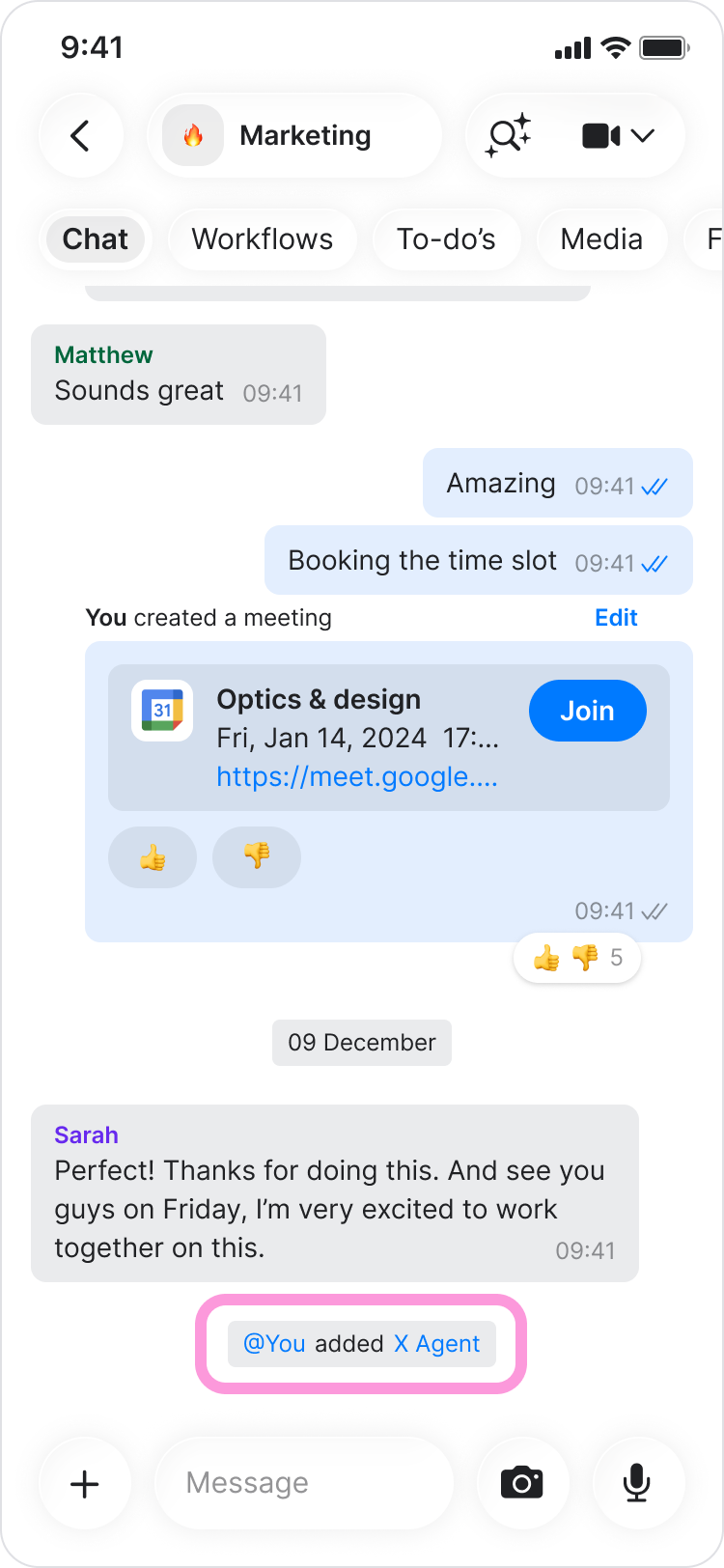
The agent appears in the chat's participant list, and a message is sent in the chat confirming that it was added.
Note: An agent only stays active in a chat while its owner is also in that chat. If the owner leaves, the agent leaves too.
On Desktop (Windows, macOS, & Web App)
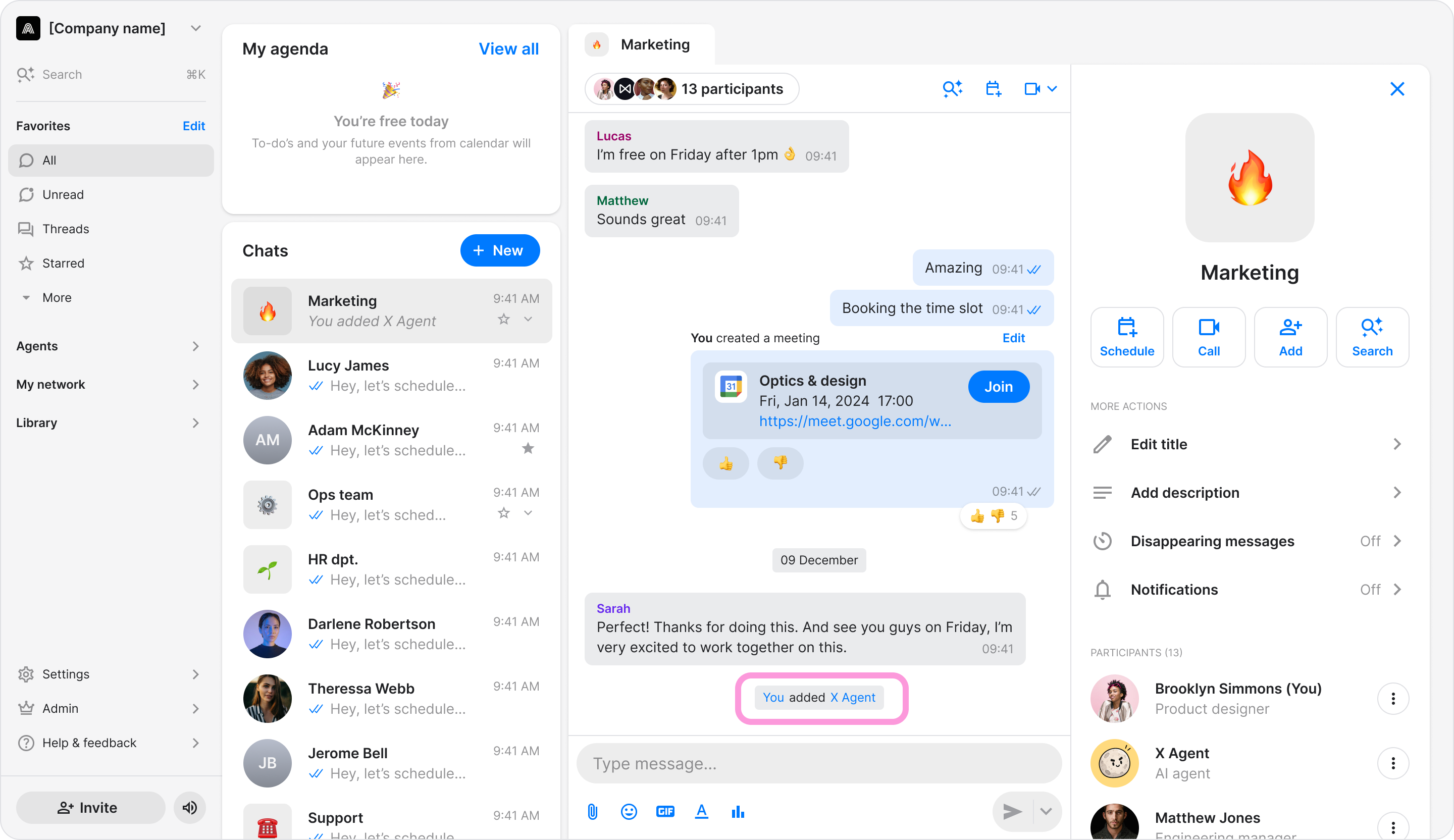
Open the chat you want to add your agent to.
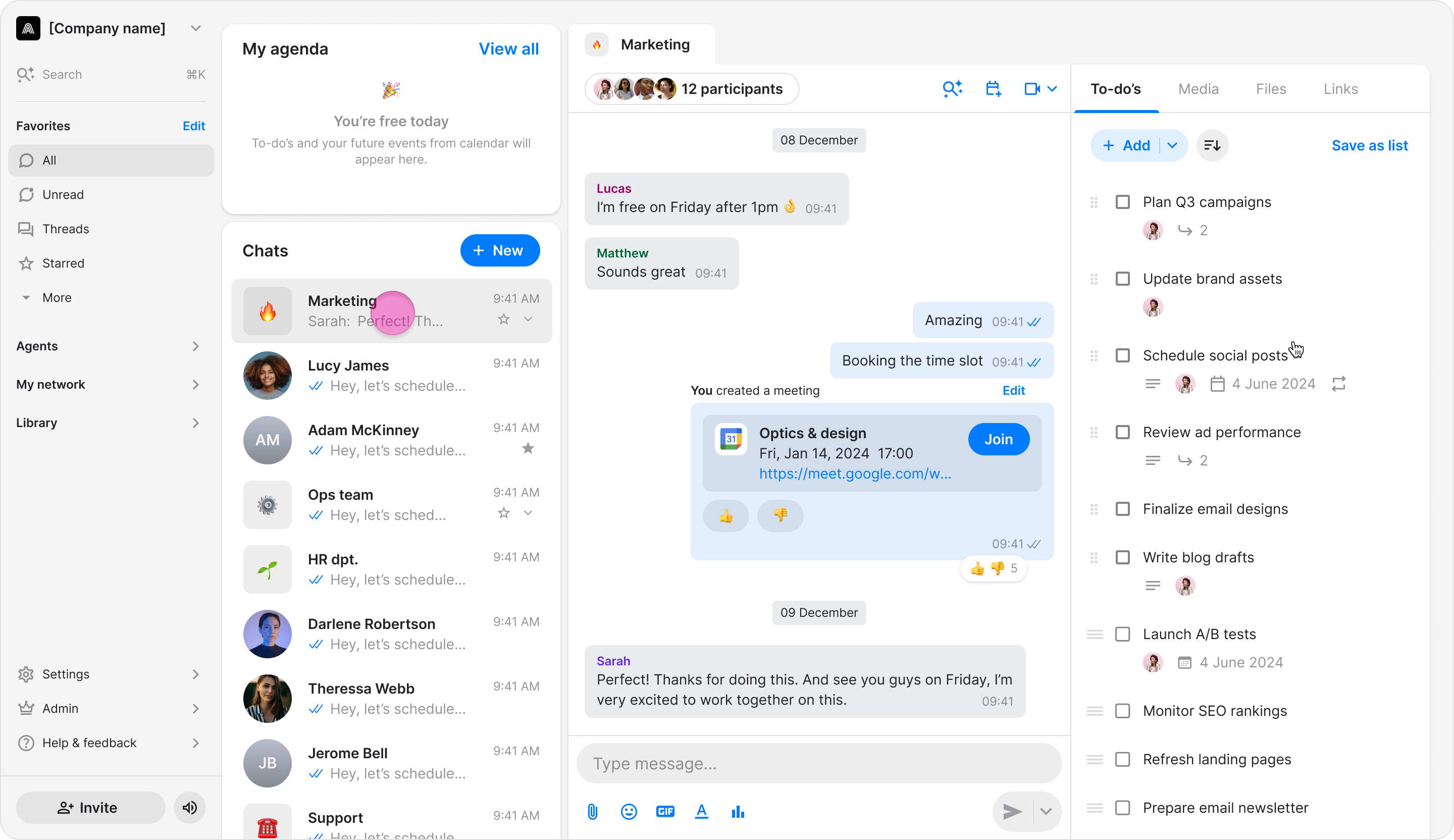
Click on the participants at the top of the chat.
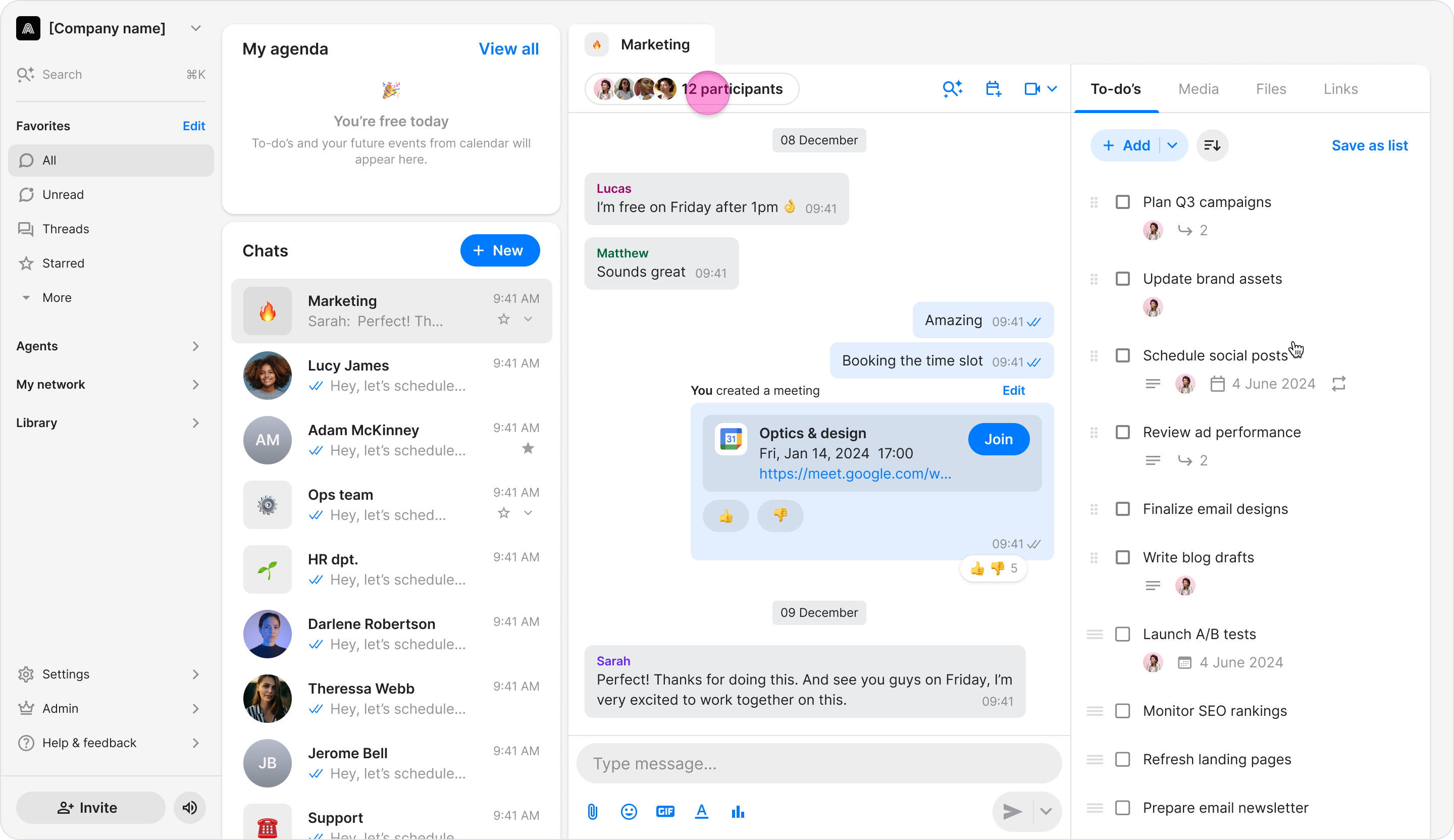
Click "Add participants” at the bottom-right corner.
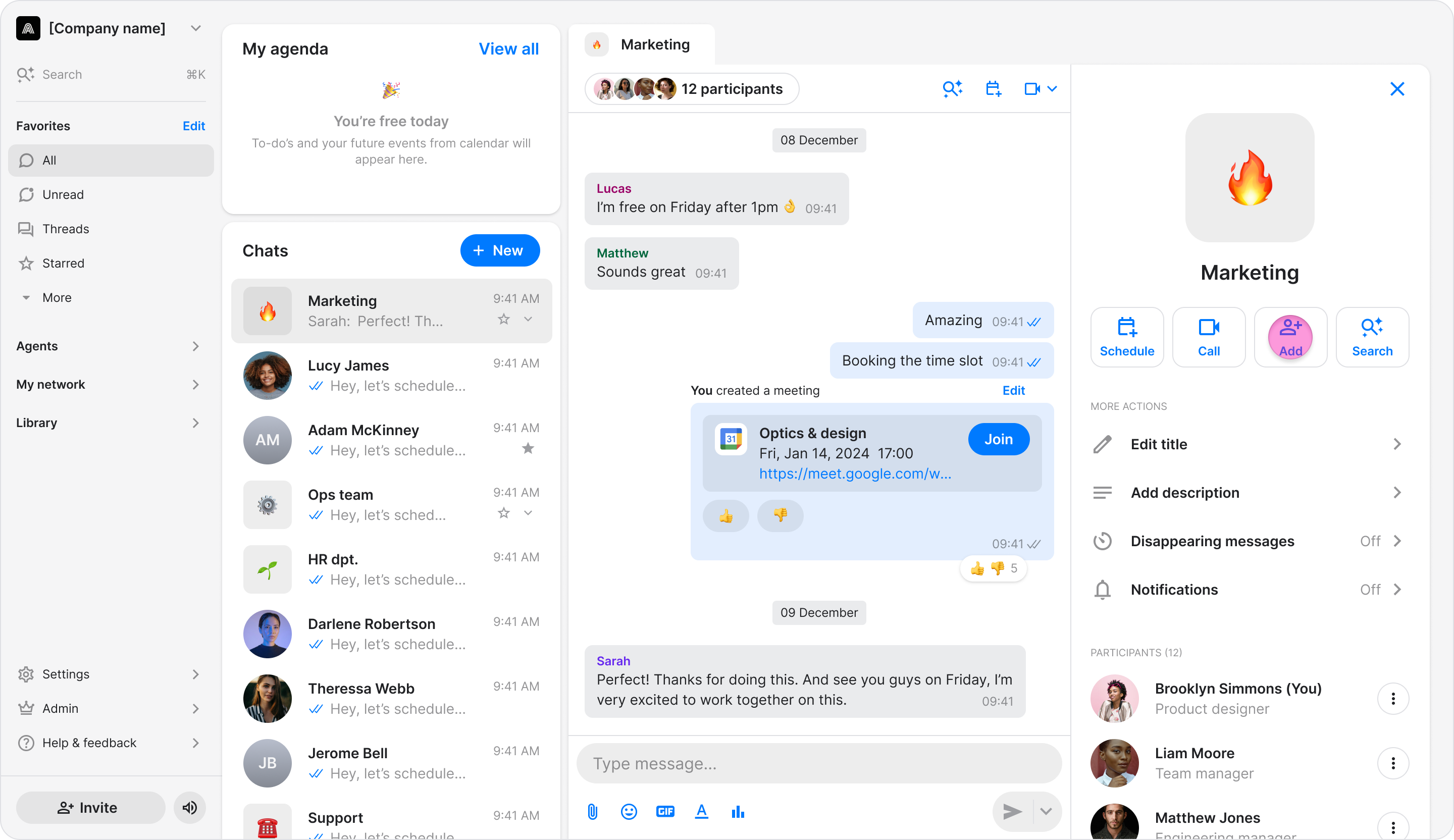
Select the checkbox next to the agent you want to add.
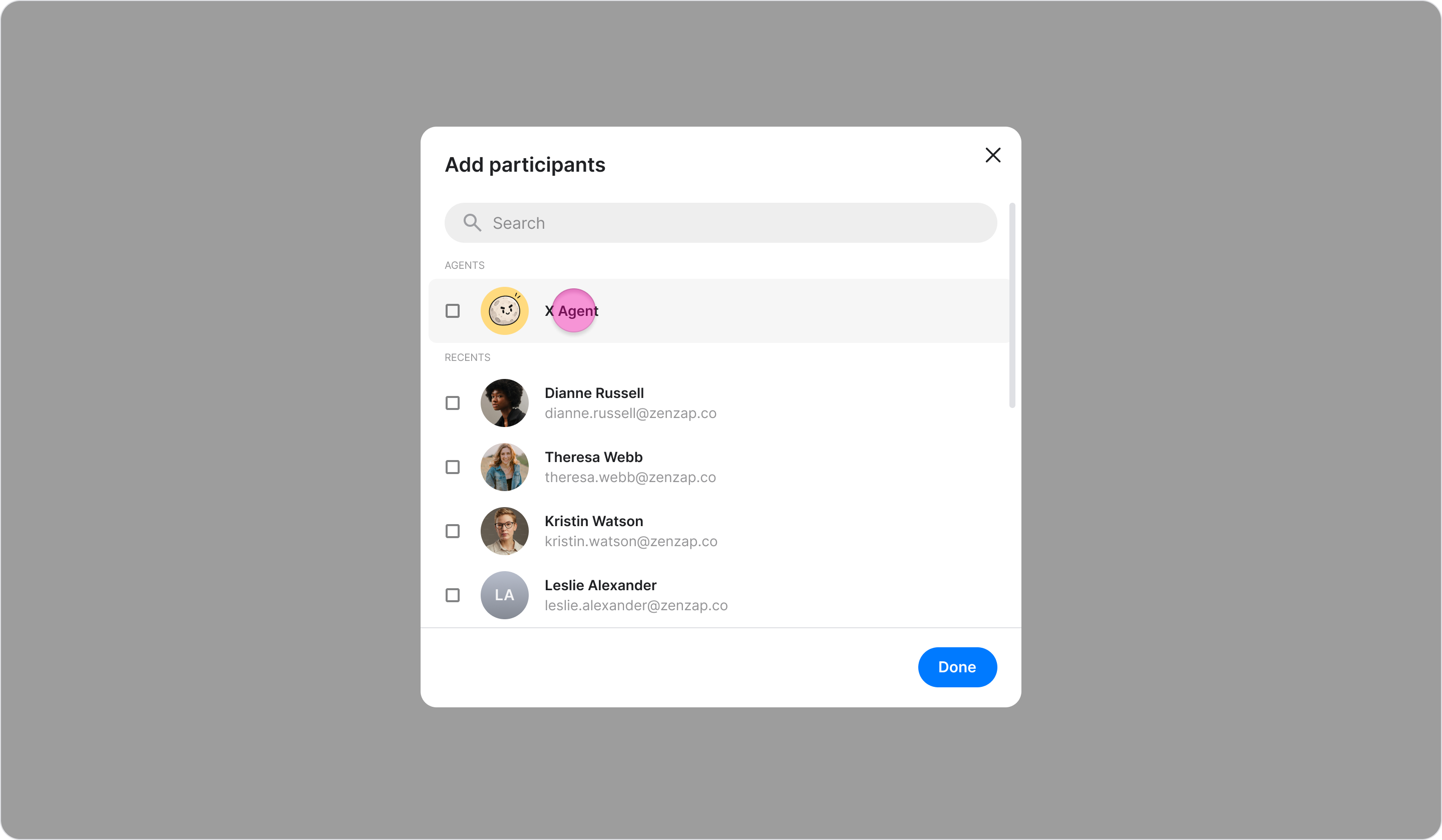
Click "Done" to confirm.
The agent appears in the chat's participant list, and a message is sent in the chat confirming that it was added.
Note: An agent only stays active in a chat while its owner is also in that chat. If the owner leaves, the agent leaves too.