
Re-Invite Team Members
Send a new invitation to a previously removed team member so they can regain access to your workspace.
Access: Workspace Admins
On Mobile (iOS & Android)
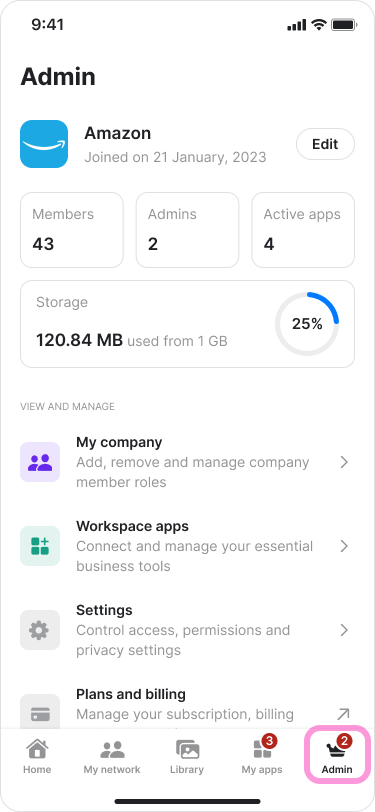
Tap the "Admin" tab at the bottom of the screen.
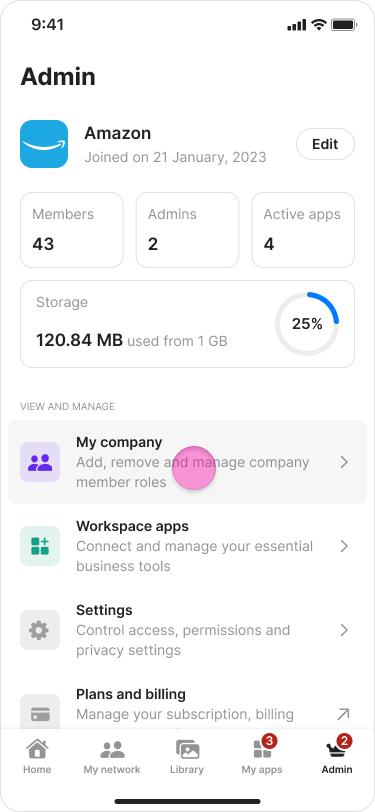
Tap "My Company".
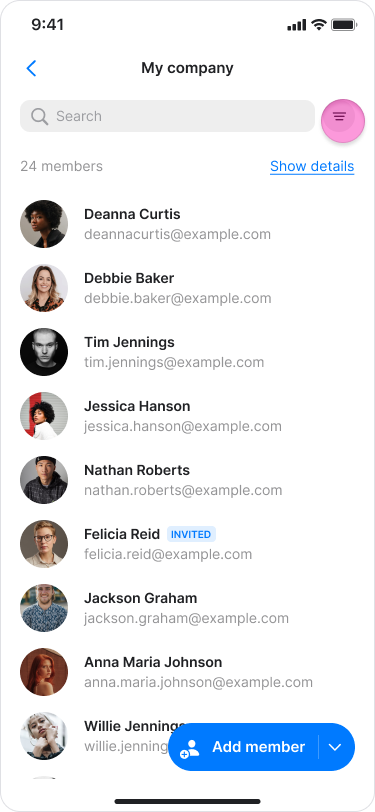
Tap the filter icon on the right side of the search bar.
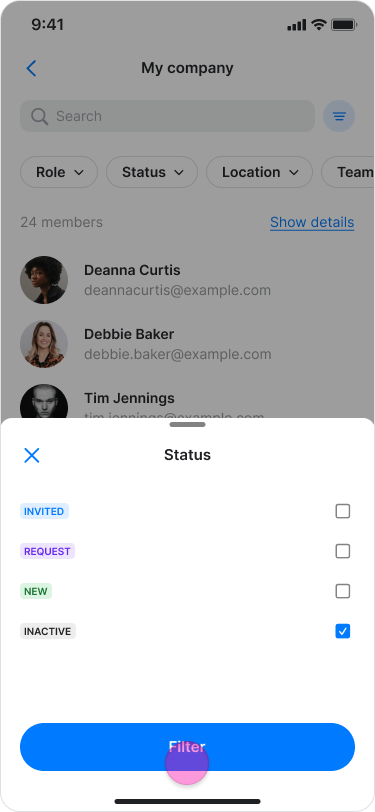
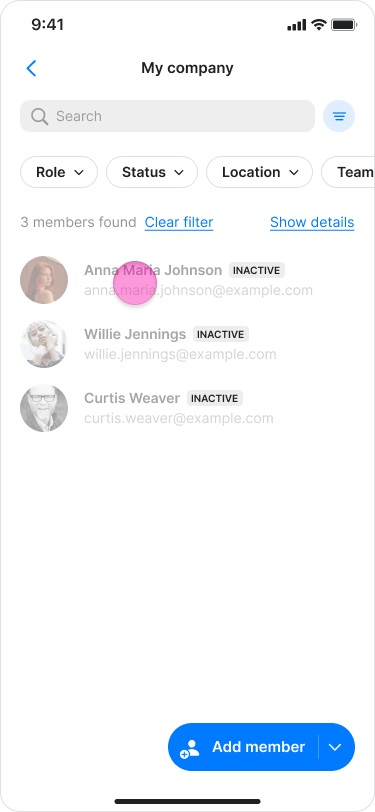
Select "Inactive" under “Status”.
Select the member you want to re-invite.
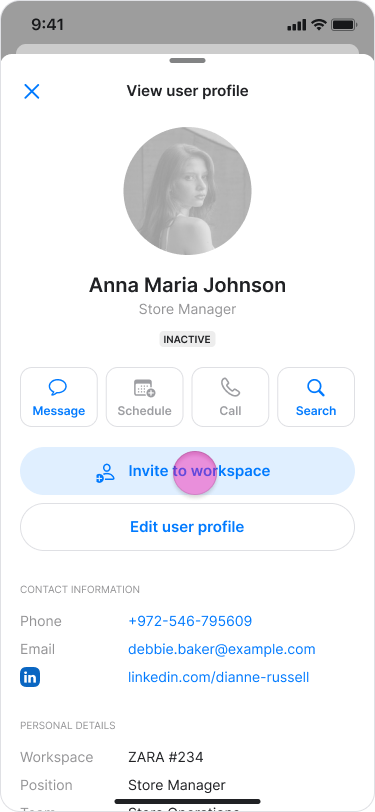
Tap "Invite to workspace".
Note: You can view a user's timeline to see their complete history, including when they were invited and removed from the organization.
On Desktop (Windows, macOS, & Web App)
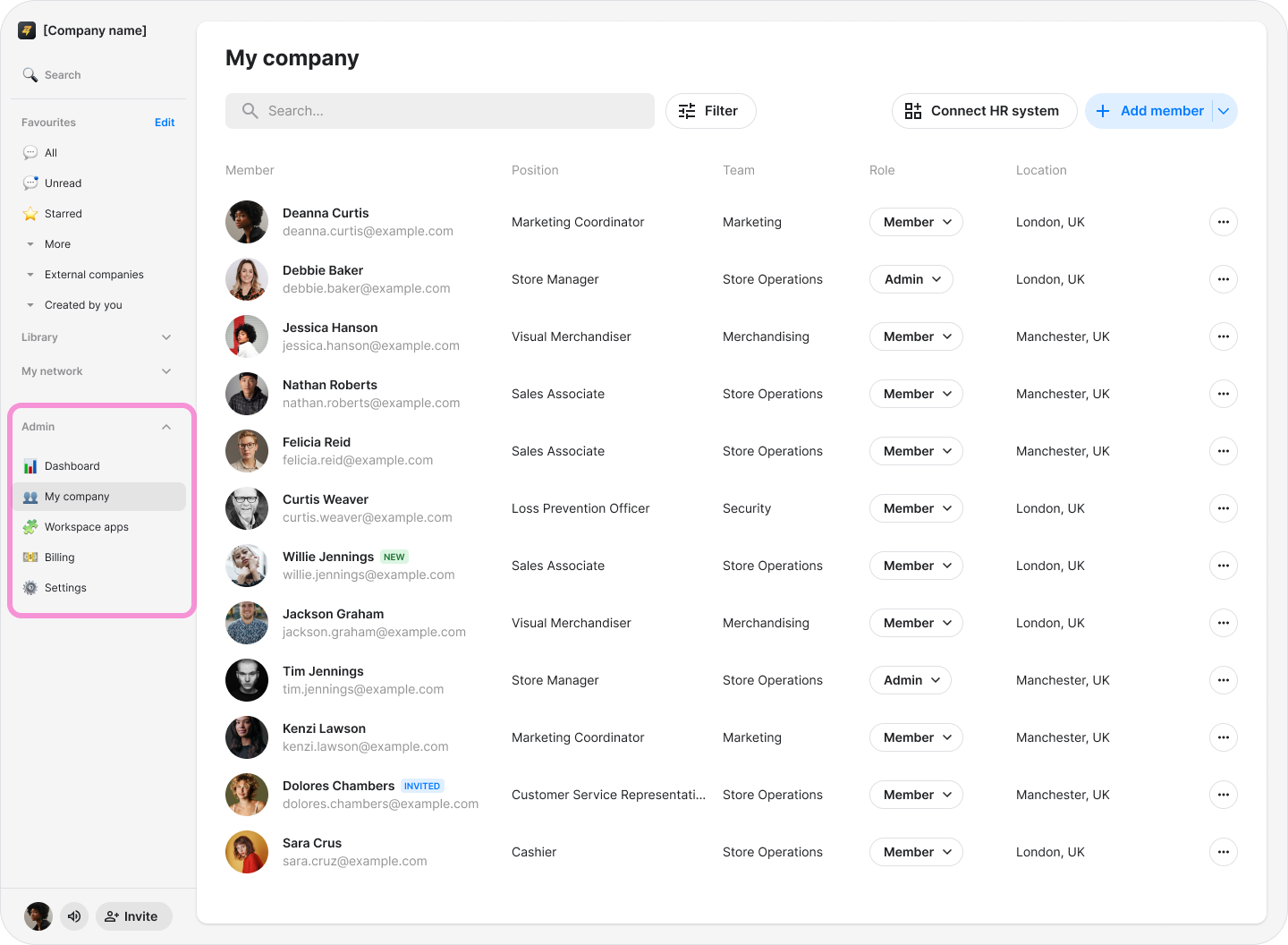
Click "Zenzap admin" in the left sidebar. On macOS, click "My Company".
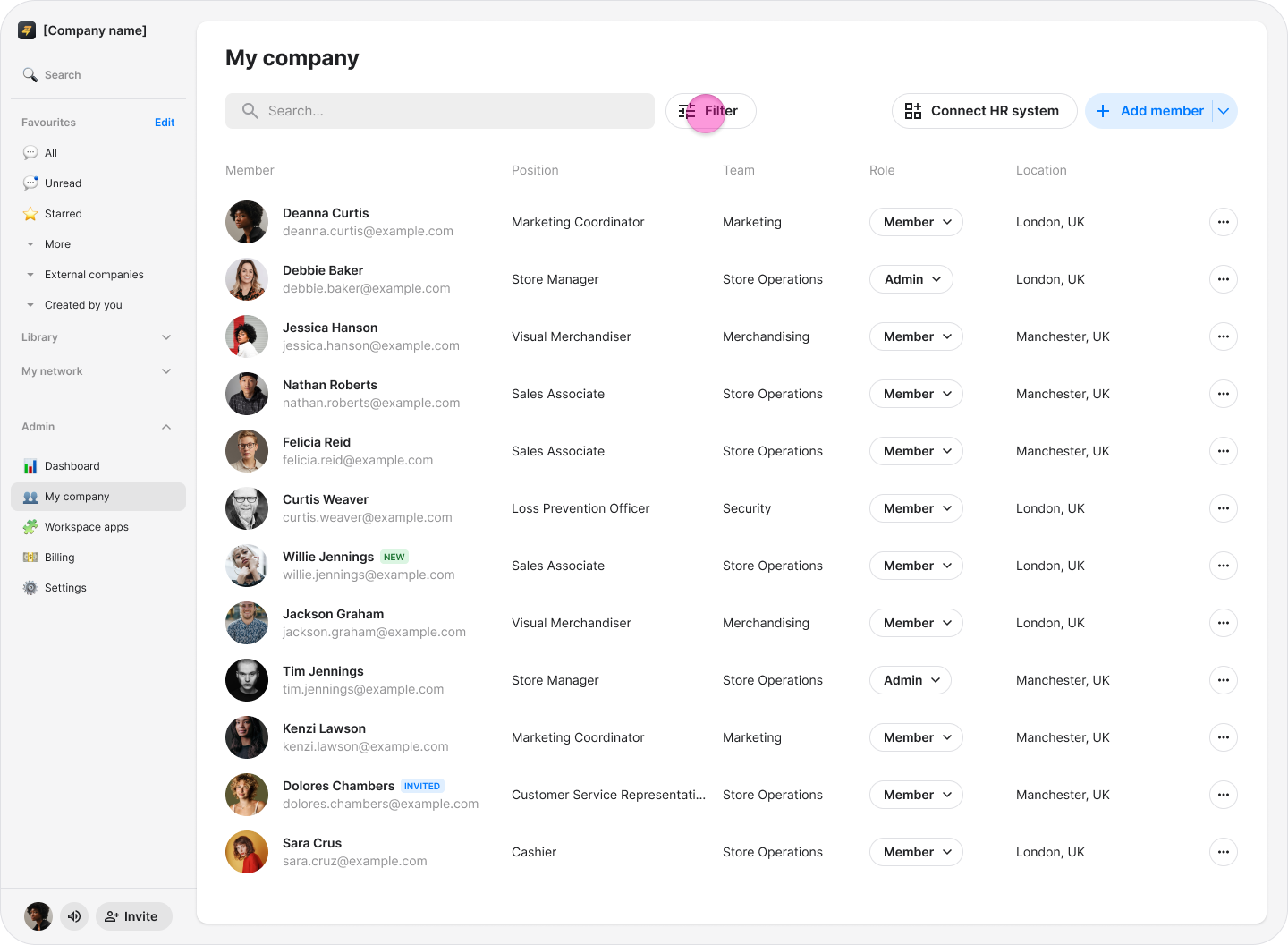
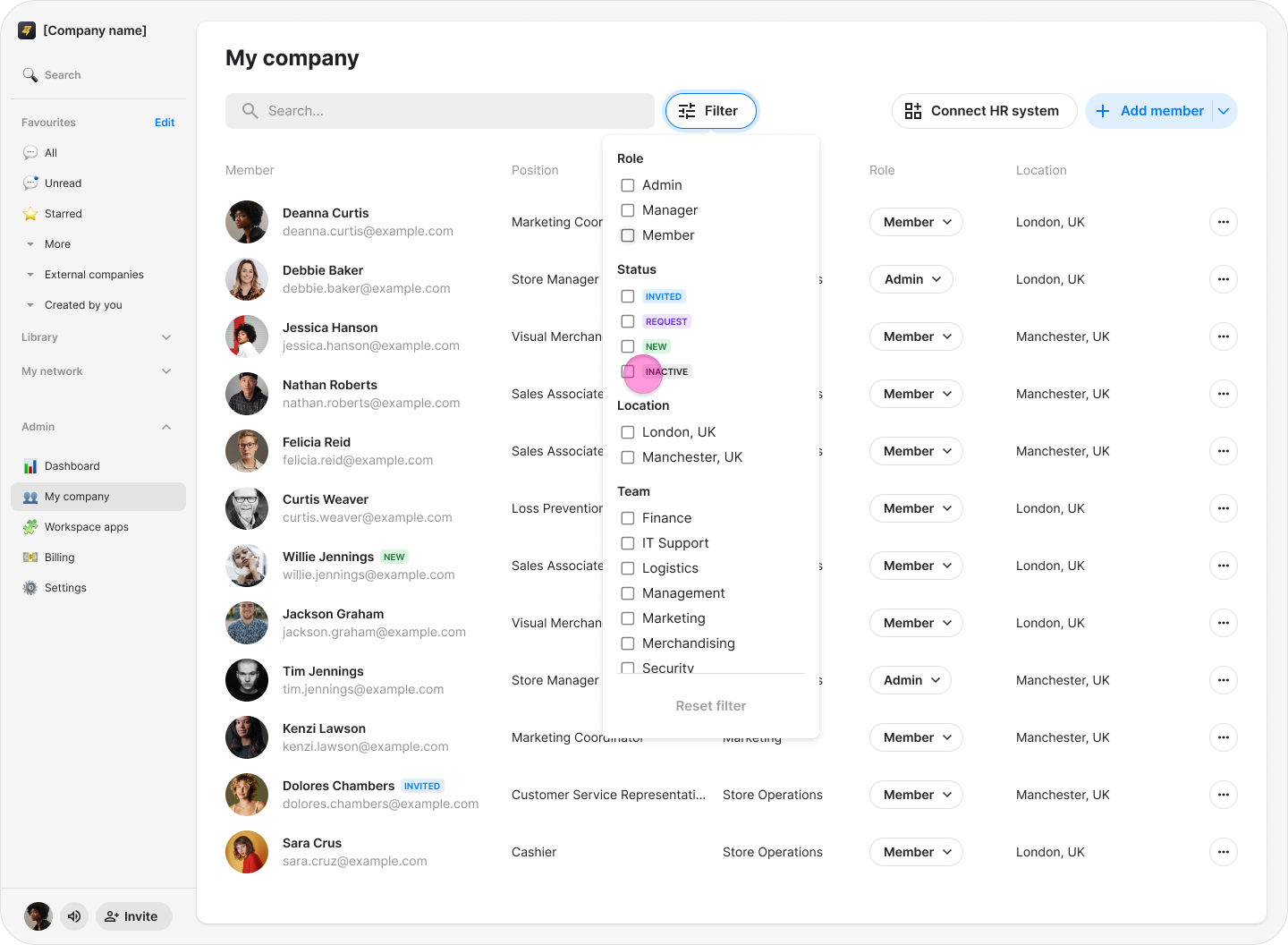
Click the filter icon on the right side of the search bar.
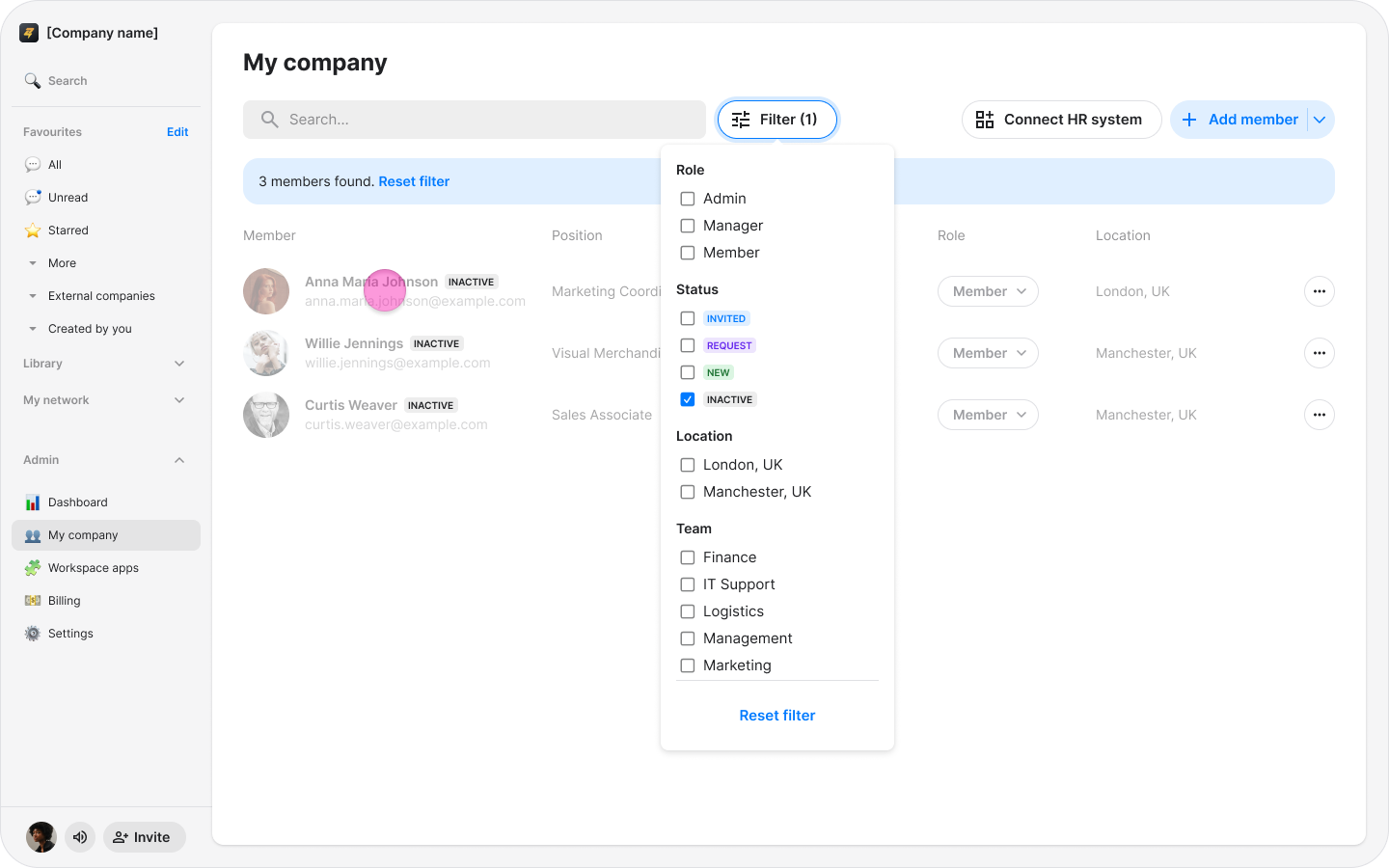
Select "Inactive".
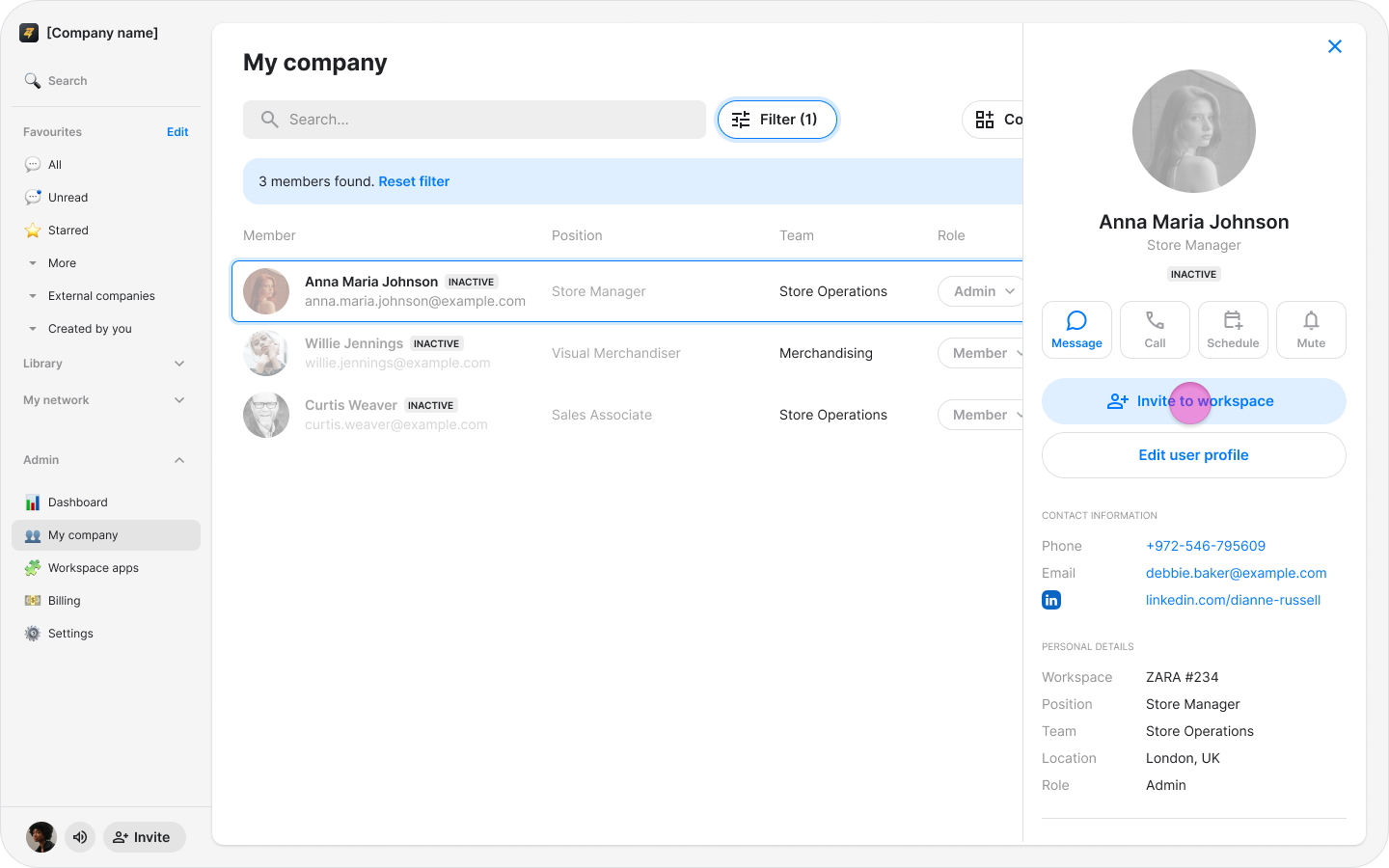
Select the member you want to re-invite.
Click "Invite to workspace".
Note: You can view a user's timeline to see their complete history, including when they were invited and removed from the organization.